Mobile app · Web3 wallet
Elefant
A non-custodial crypto wallet: one recovery phrase creates addresses on five blockchains — Bitcoin, Ethereum, Avalanche, Solana and Terra — and brings everything you hold into one portfolio. I designed the wallet’s Invest, Send/Receive flows.
What I focused on
- 01
One wallet, five chains
A single recovery phrase holds every address. The portfolio opens on “All” chains; a blockchain filter narrows it to one or several, and the ring chart turns into a line chart as you scroll.
- 02
Empty is a state too
A first-time user sees exactly what to do next: create a new wallet, import one with its 12-word phrase, or watch any wallet by its public address — before a single token arrives.
- 03
Every edge case, annotated
Tokens under $1 hidden by default, view-only wallets with actions switched off, QR and copy for addresses, a detail card for every transaction — each screen handed off with notes.
Getting started
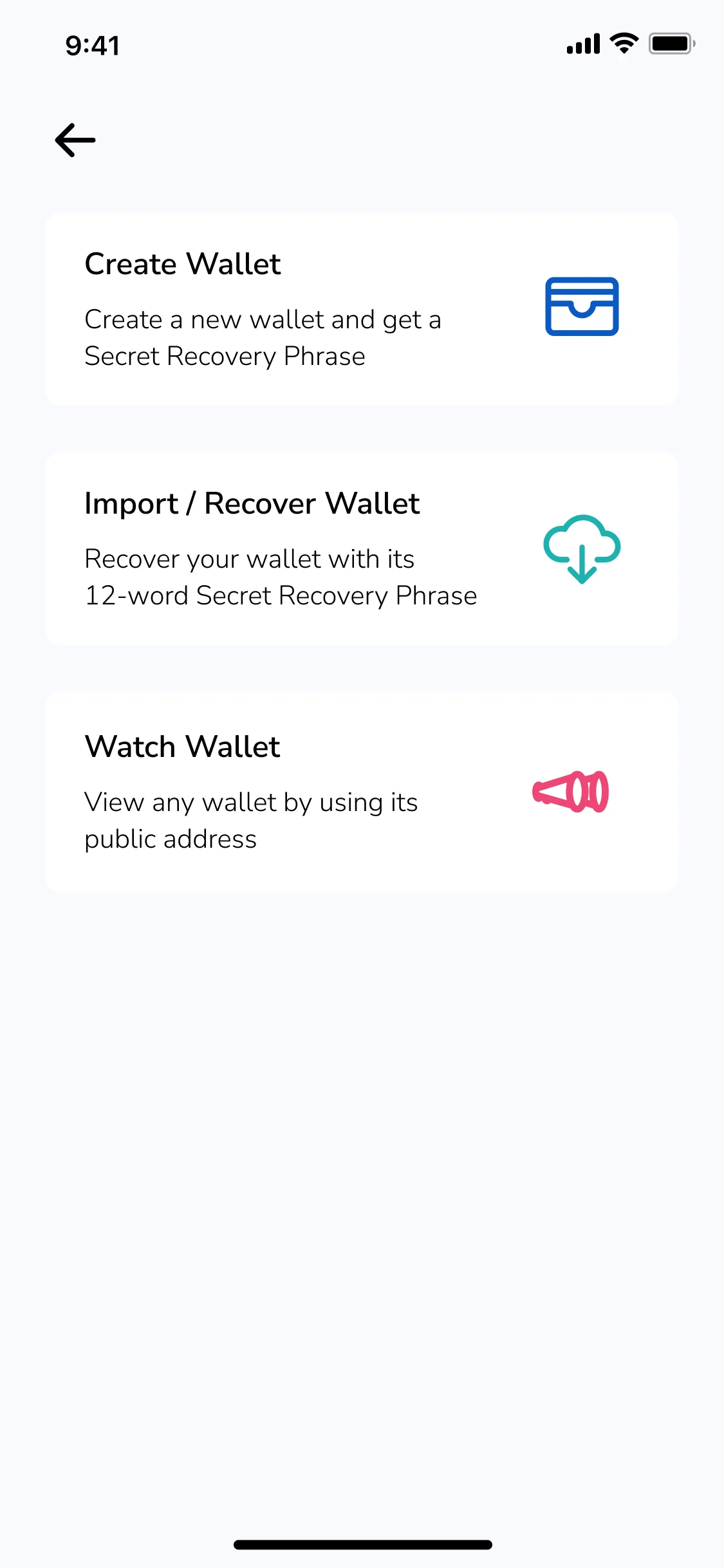 Create, import or watch
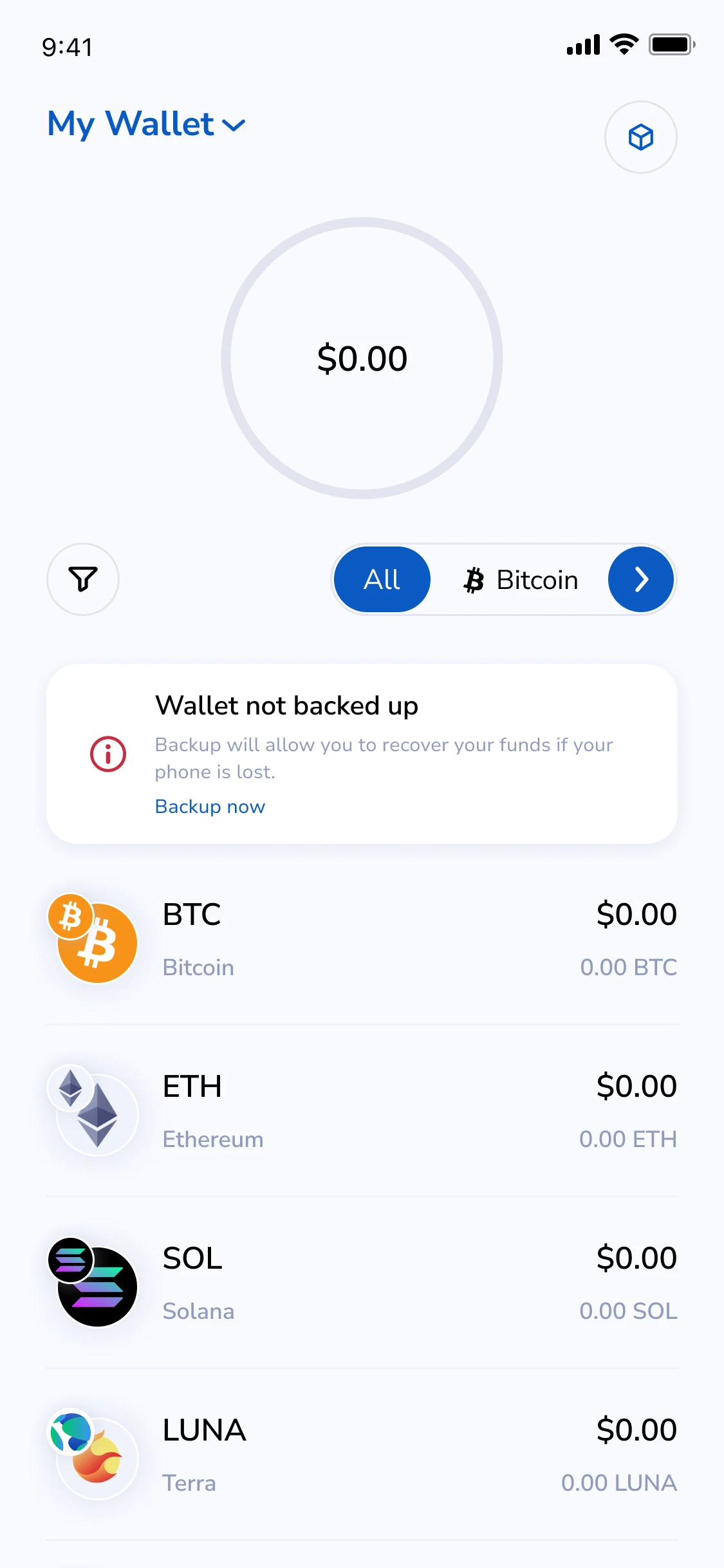 New wallet · not backed up
Portfolio
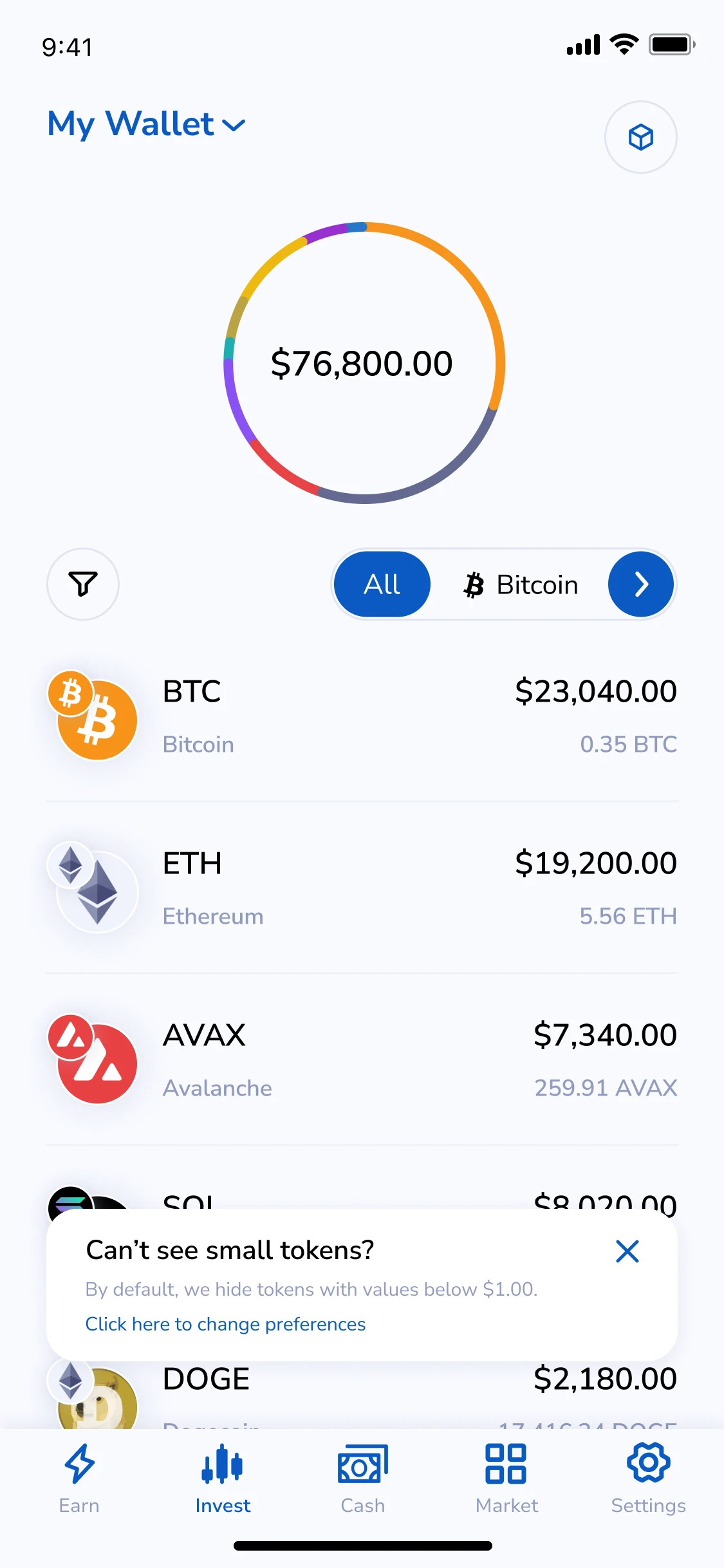 My Wallet · all chains
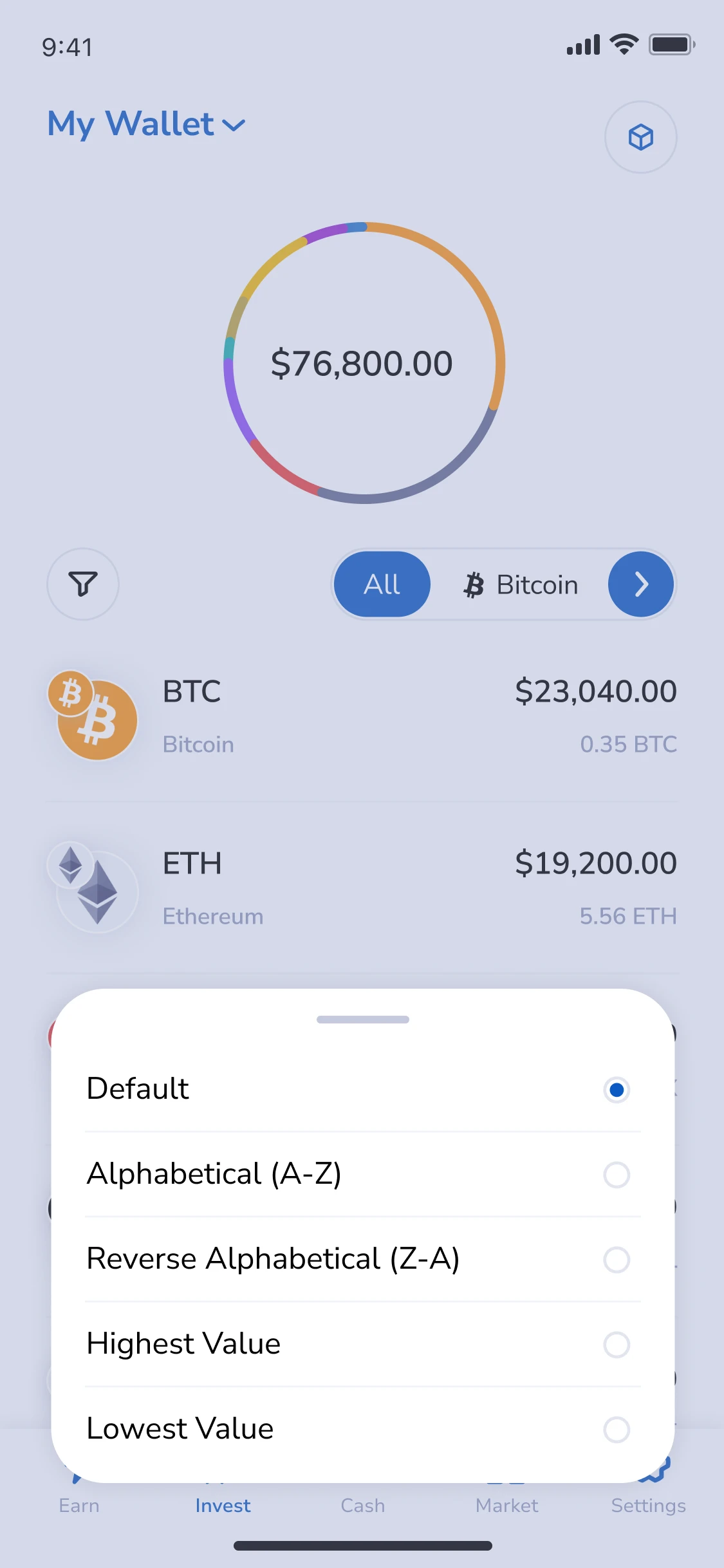 Sort tokens
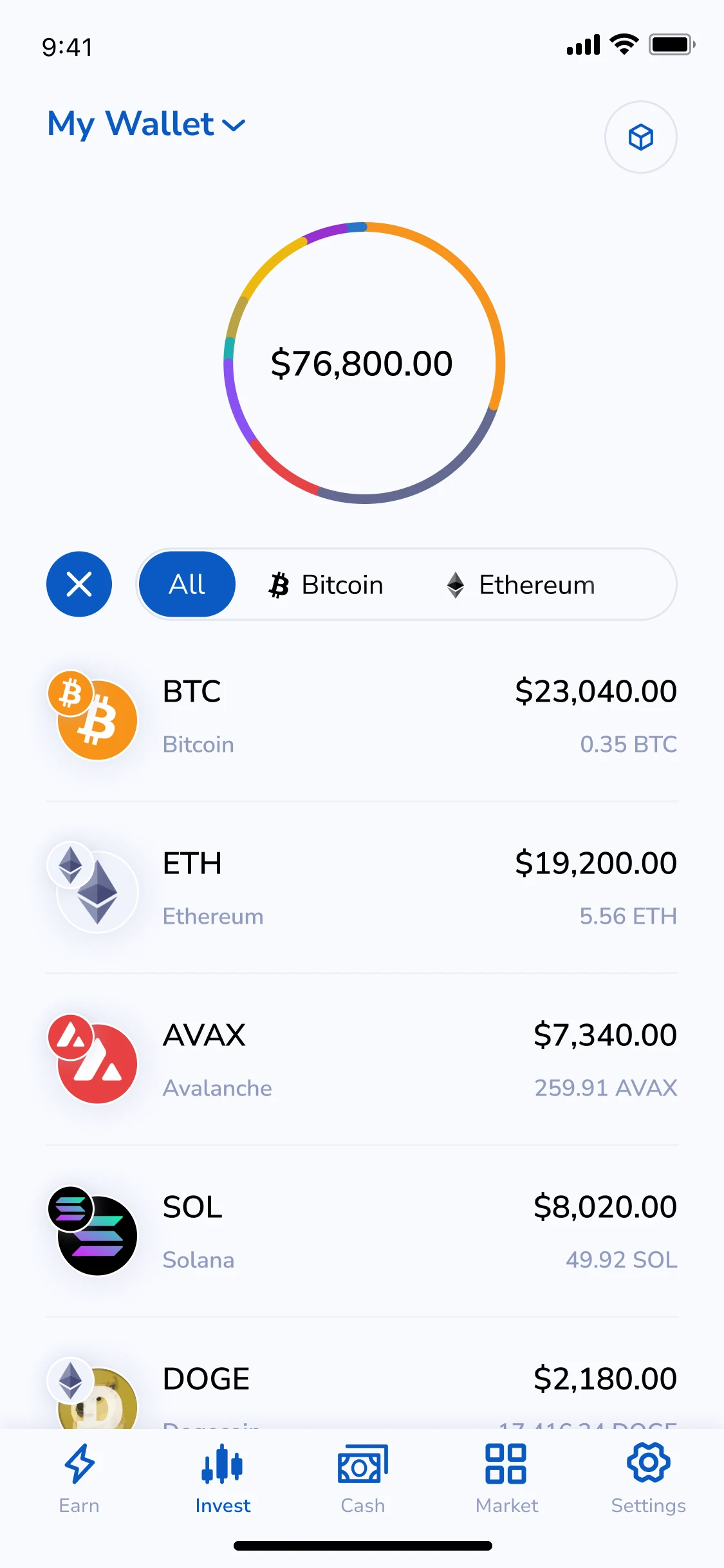 Blockchain filter
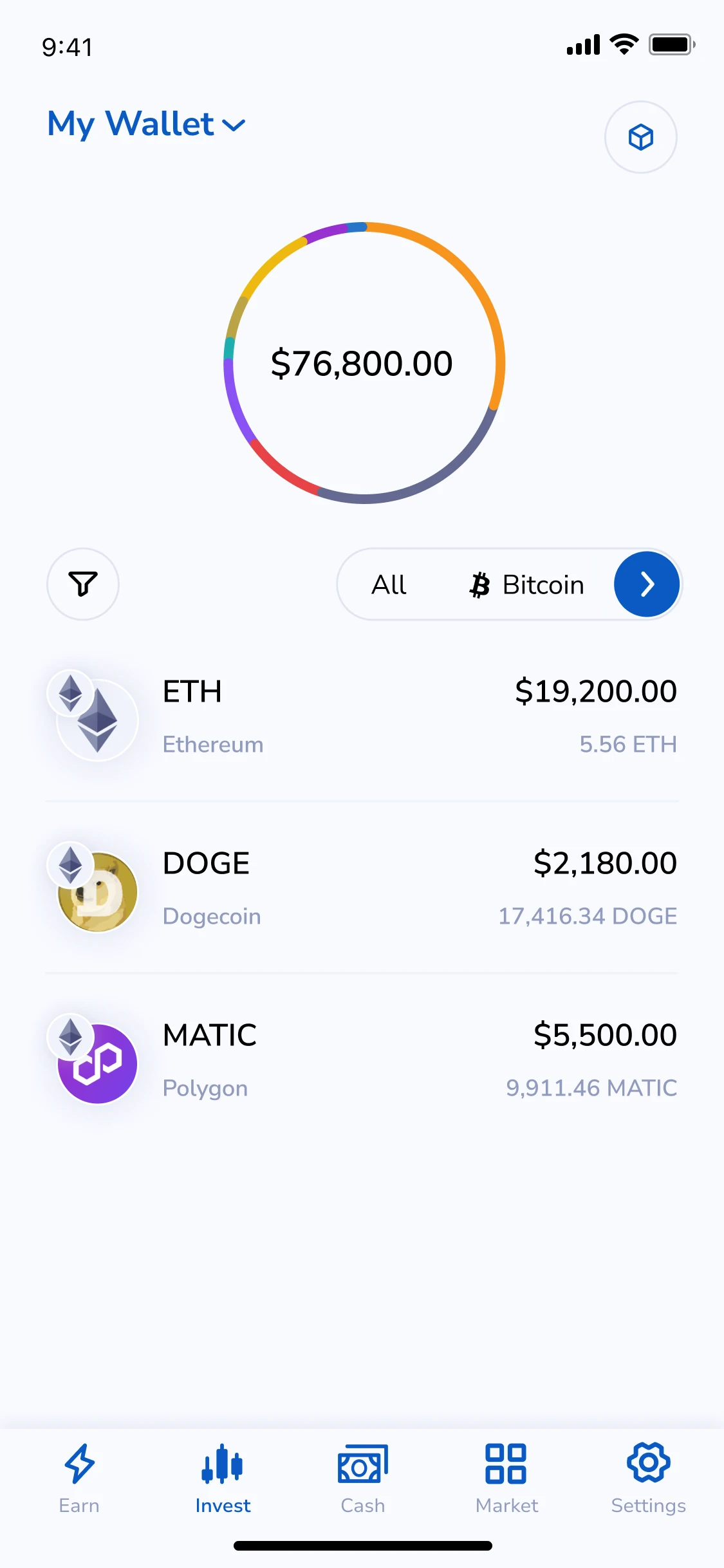 Filtered by chain
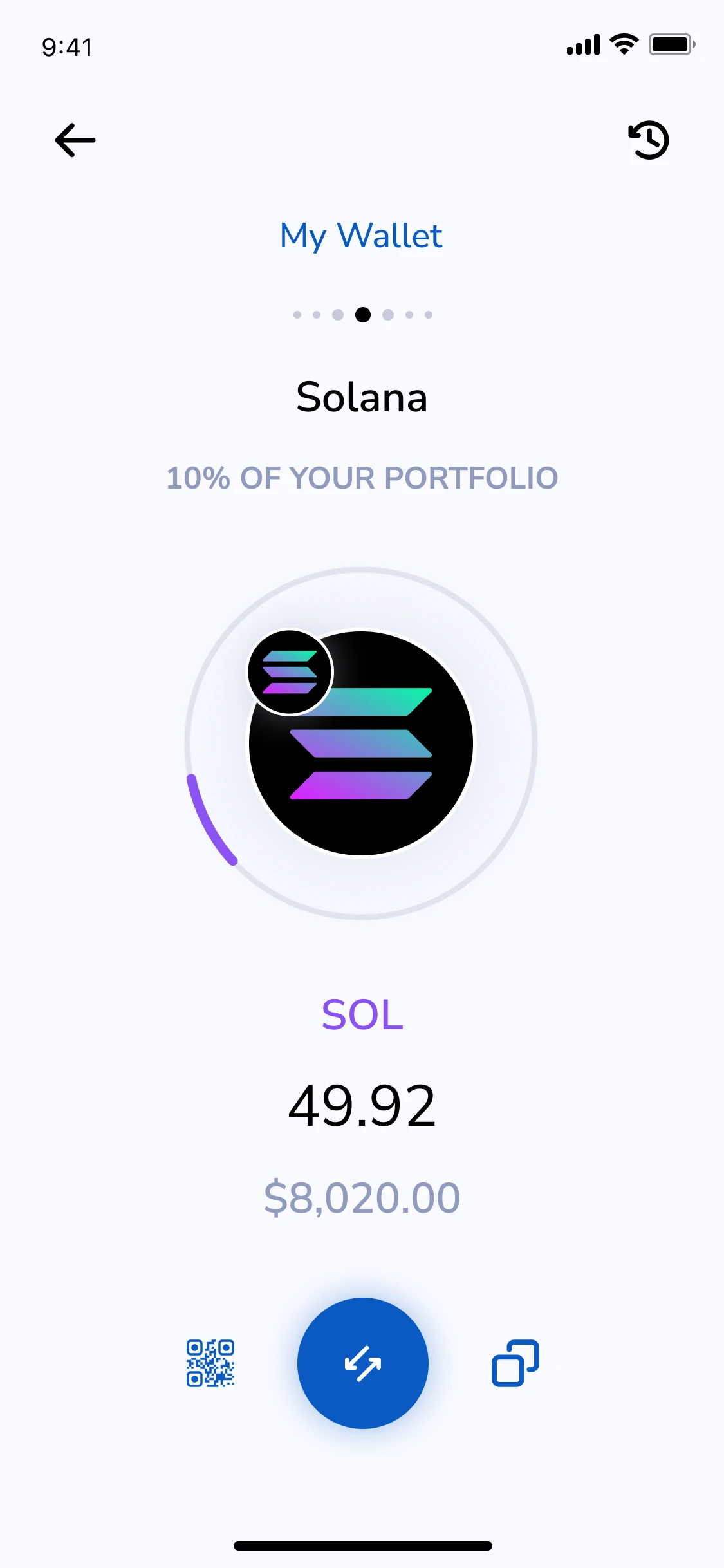 Asset detail · Solana
Send
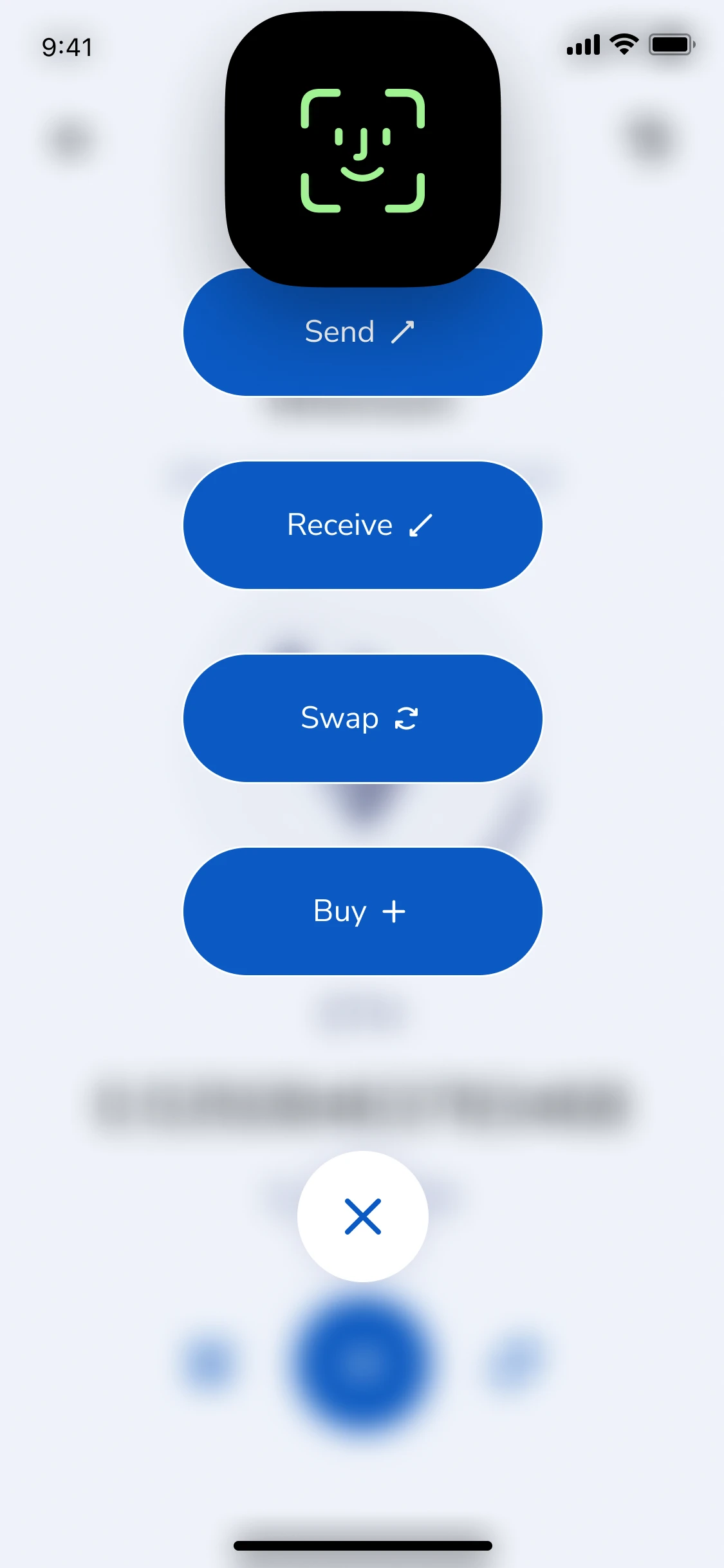 Send, receive, swap or buy
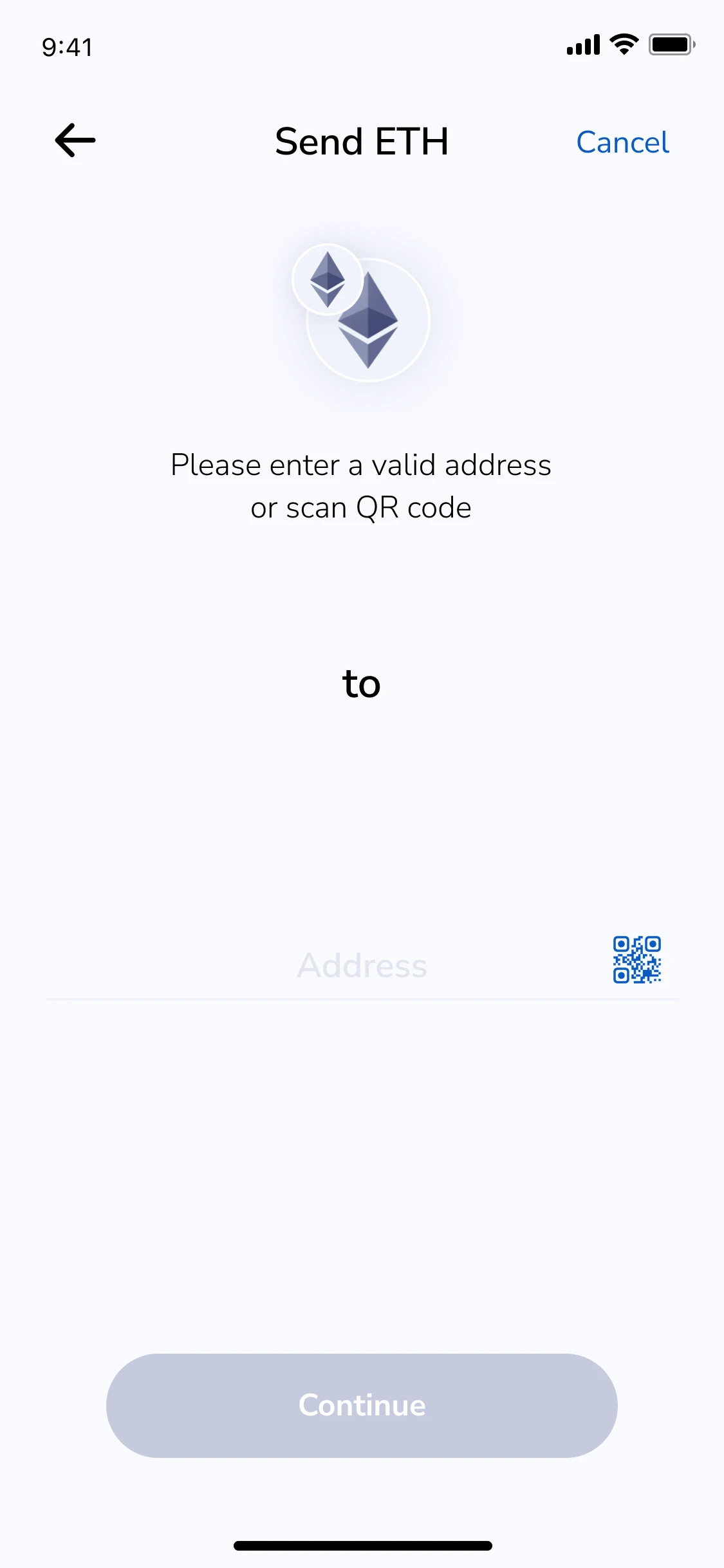 Recipient · paste, type or scan
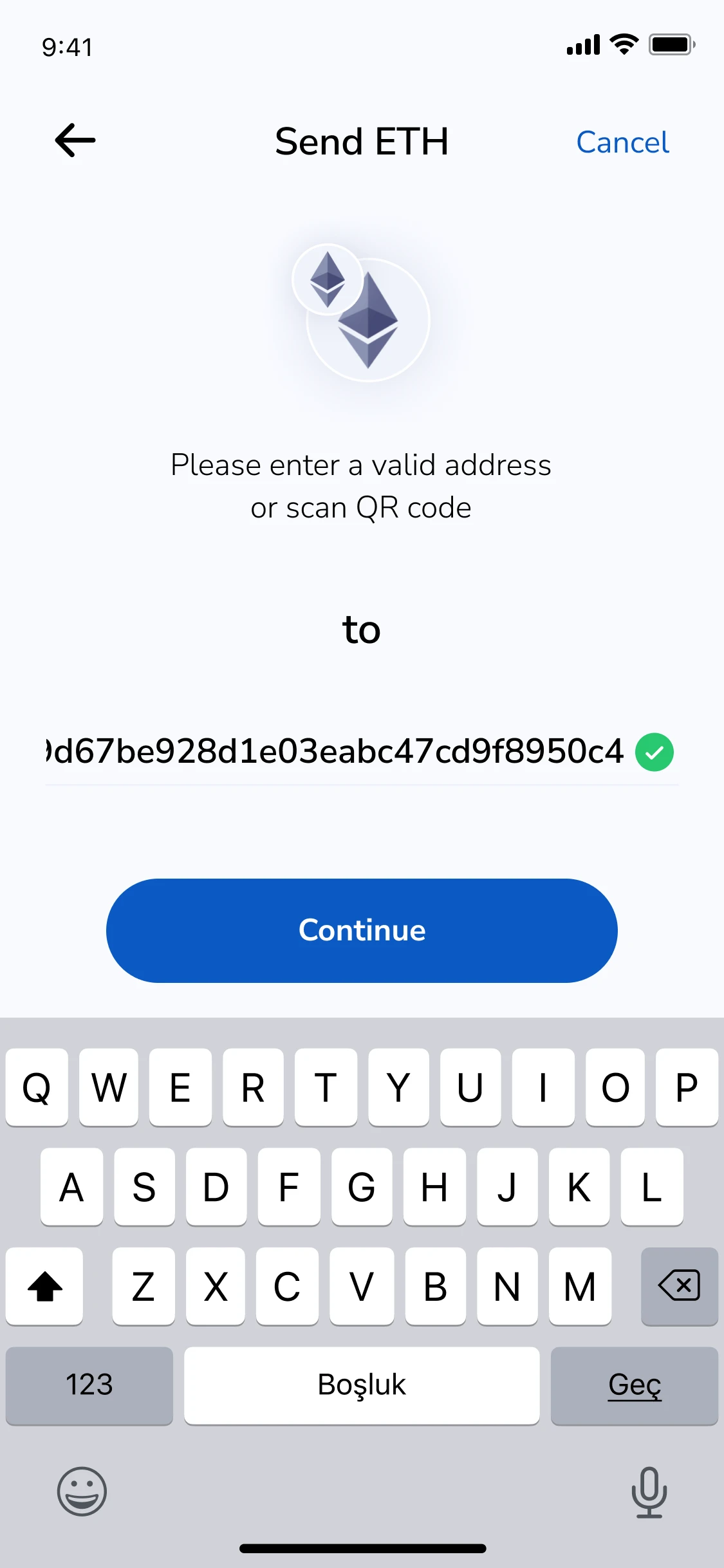 Valid address
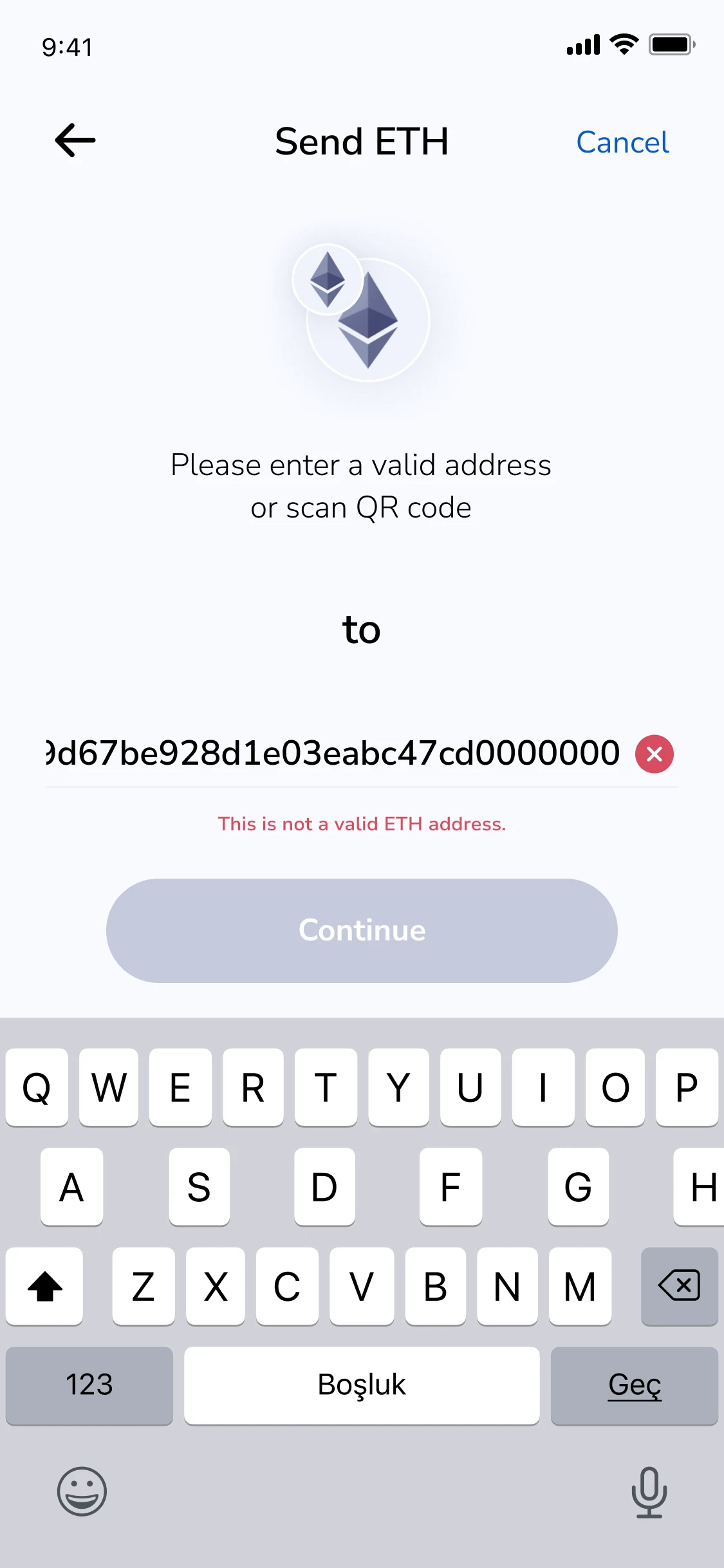 Invalid address
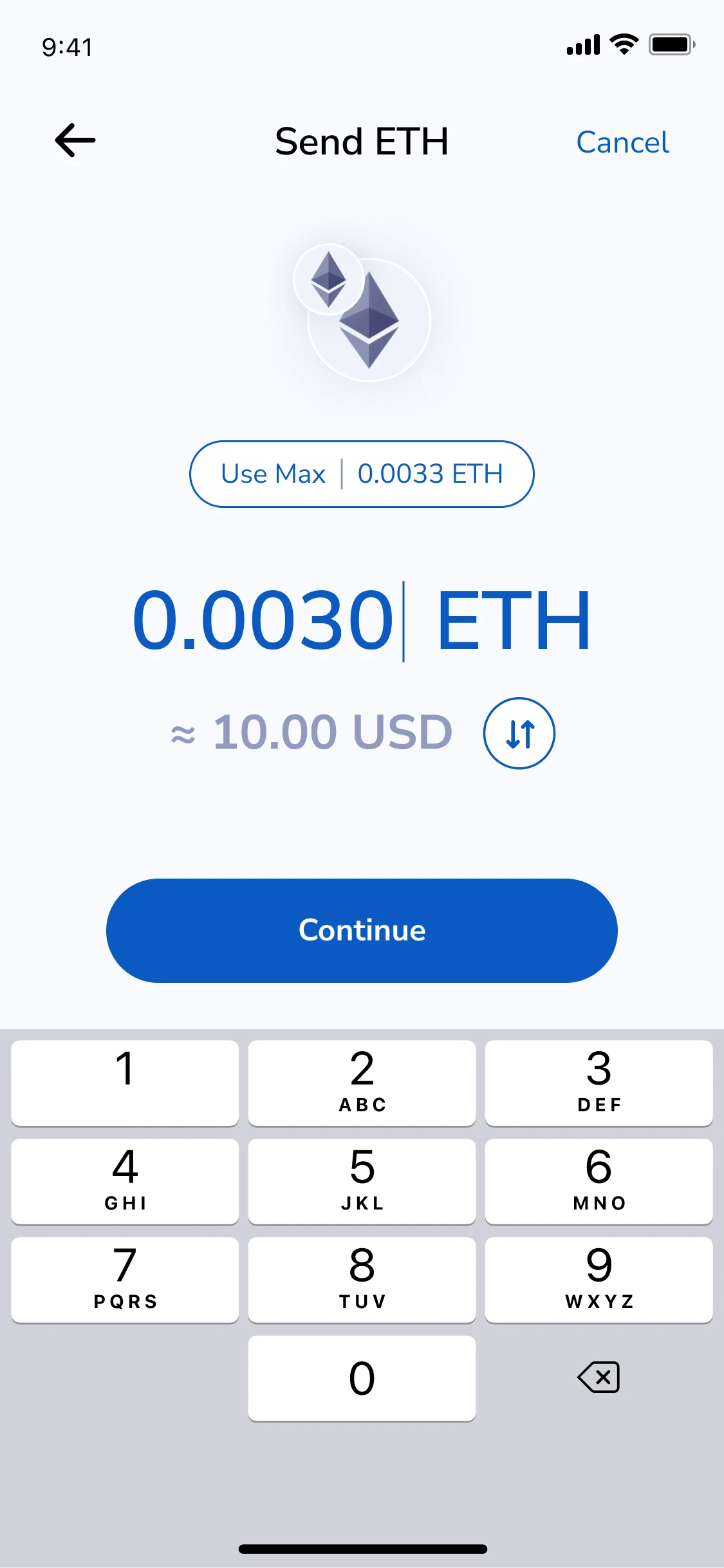 Amount · ETH or USD
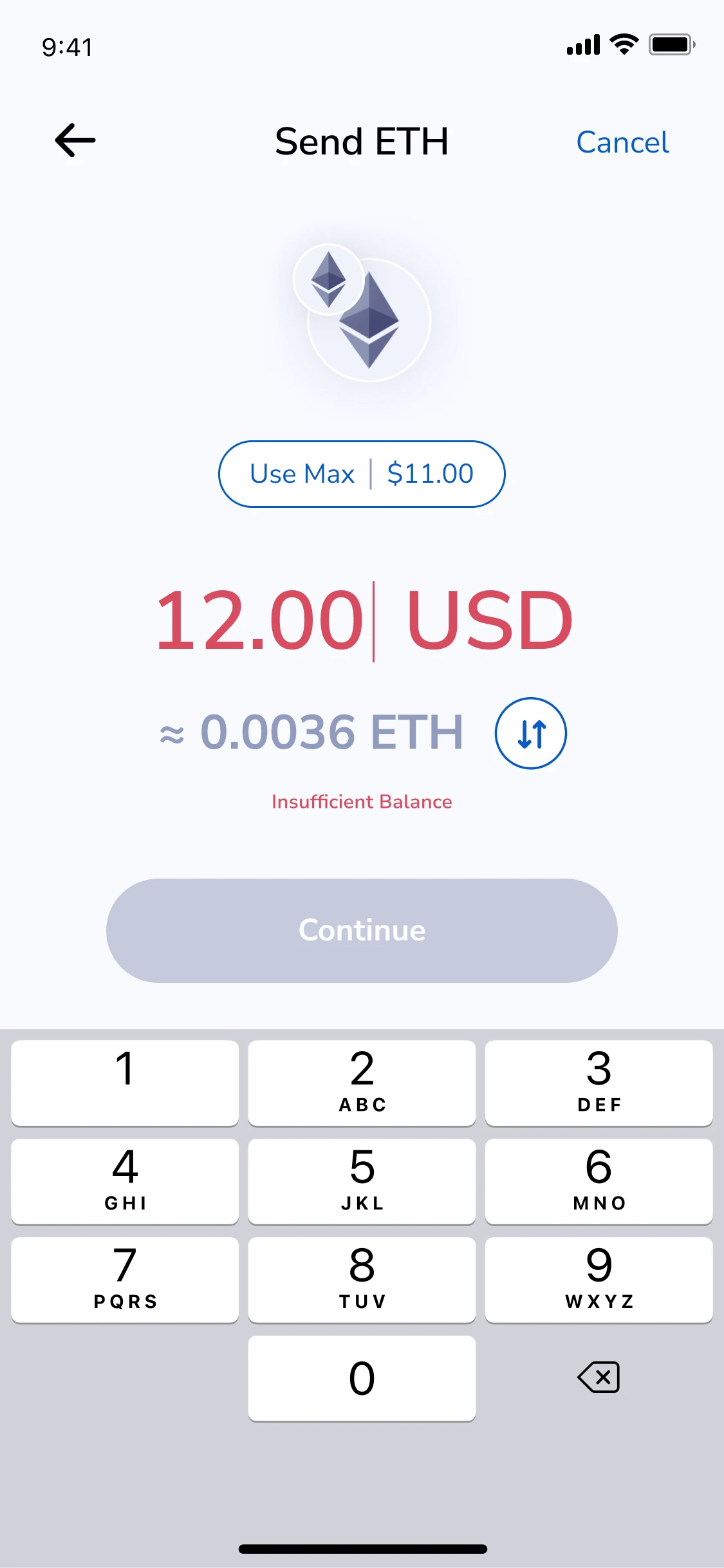 Insufficient balance
Receive & QR
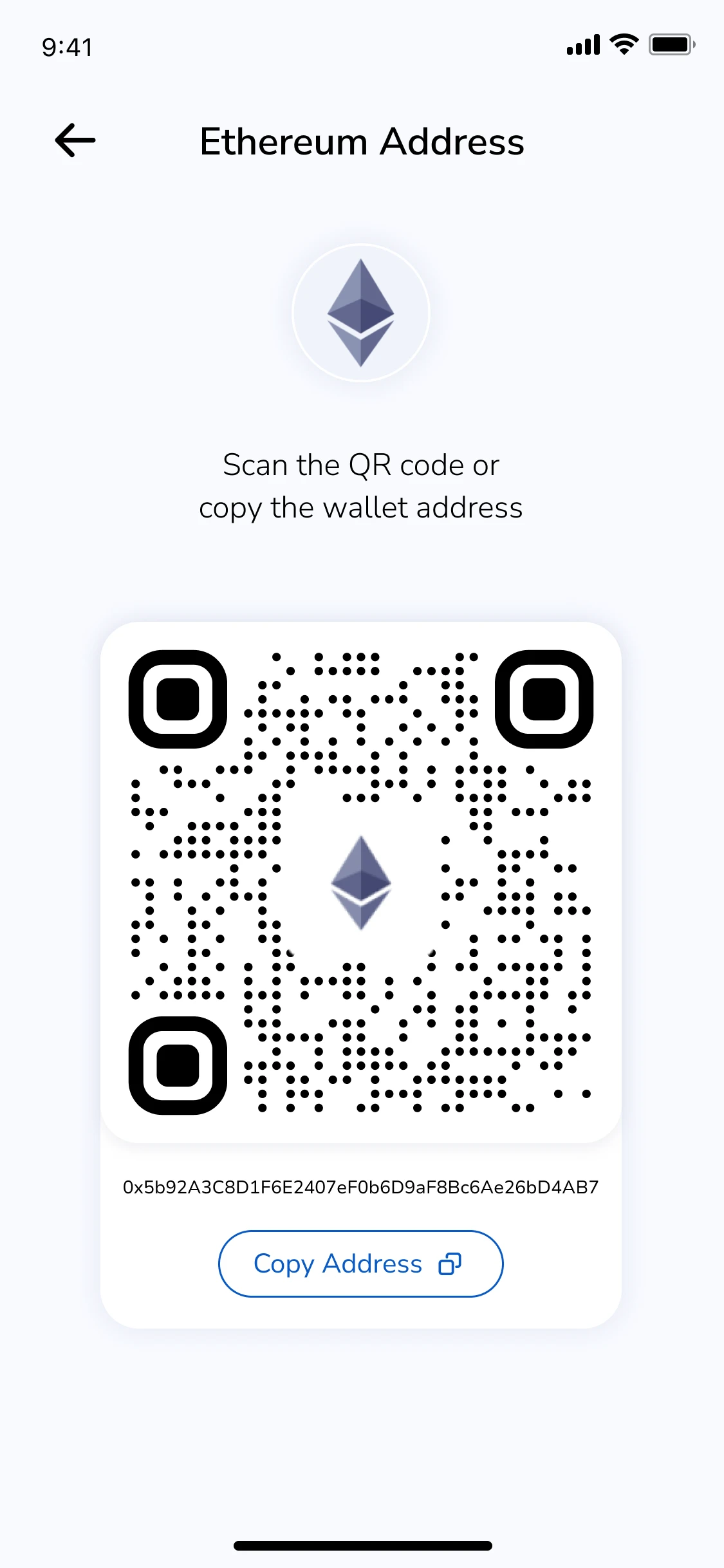 Receive · Ethereum address
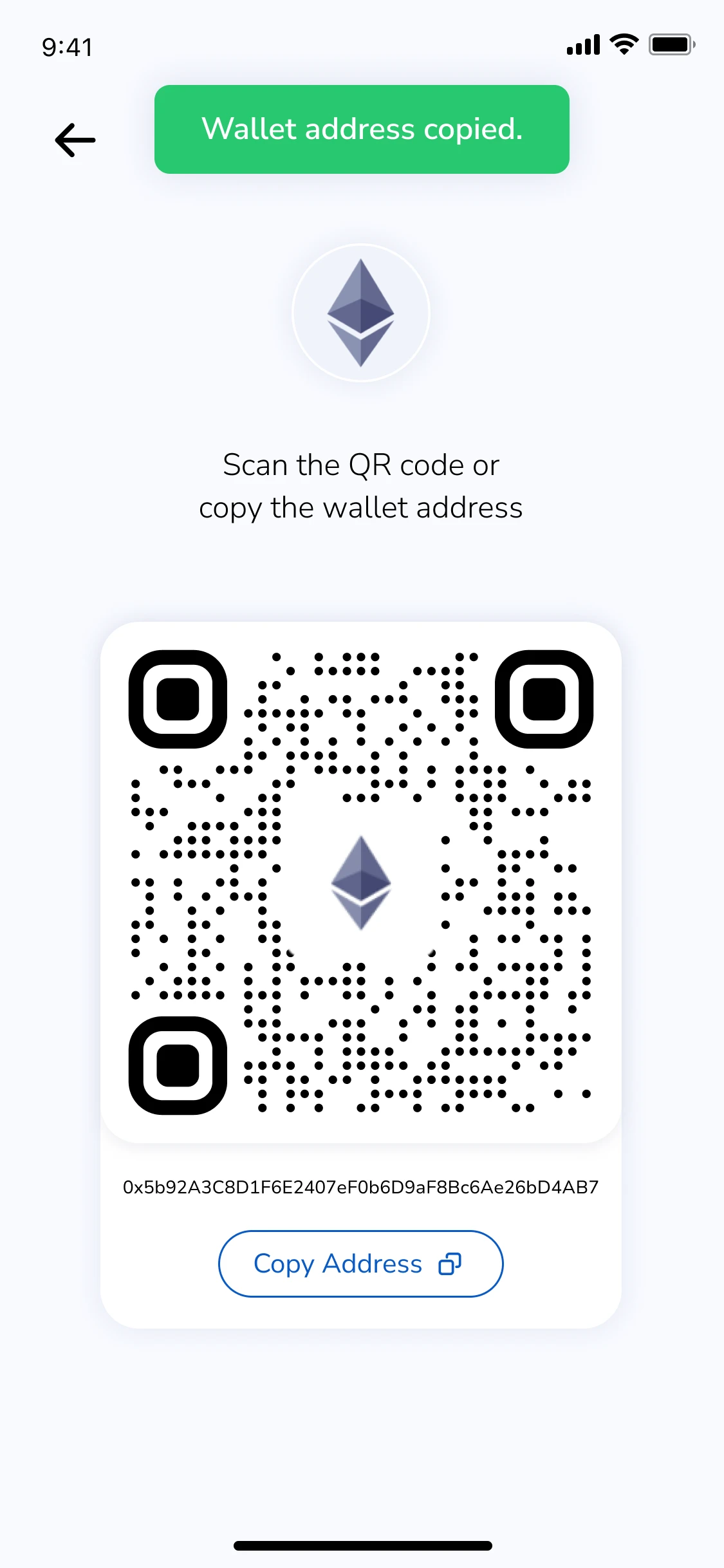 Address copied
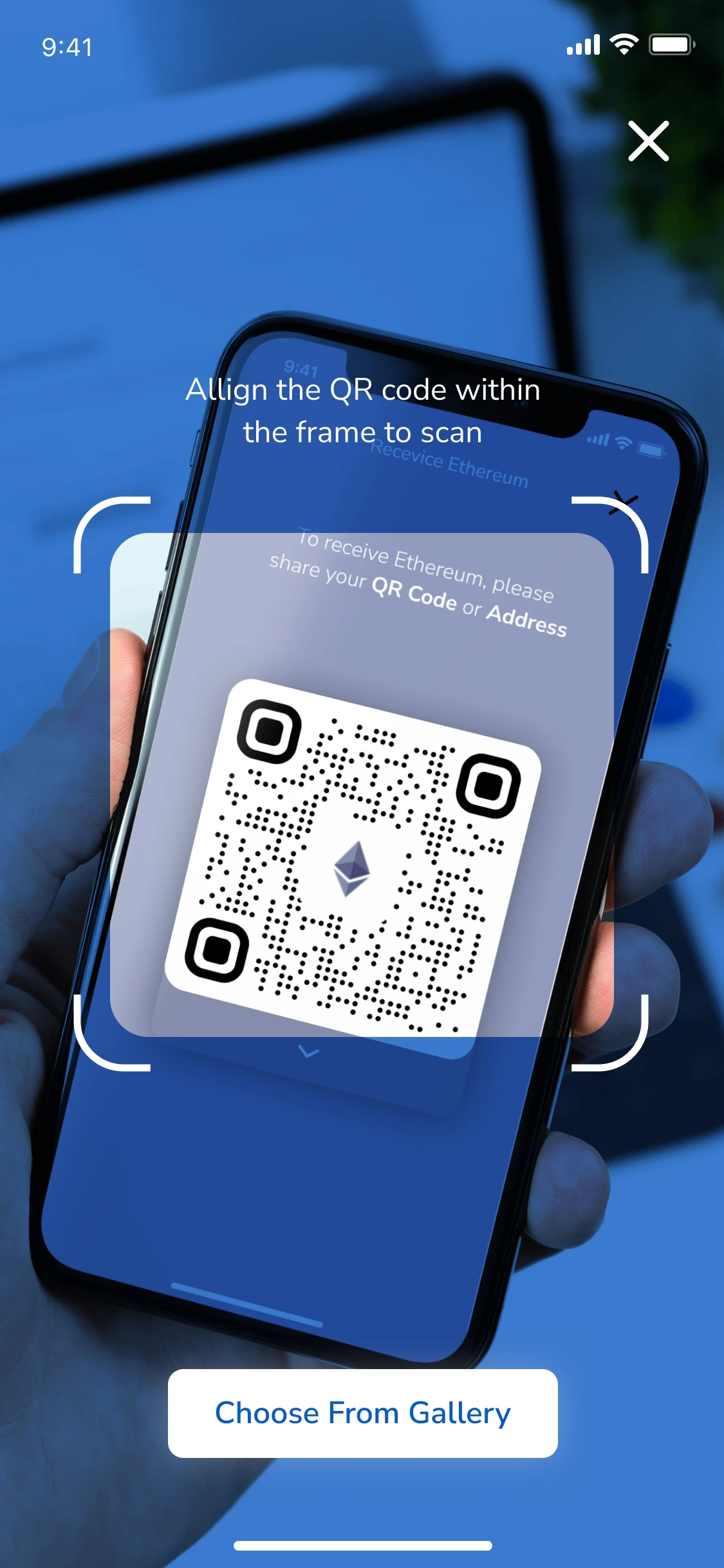 Scan a QR
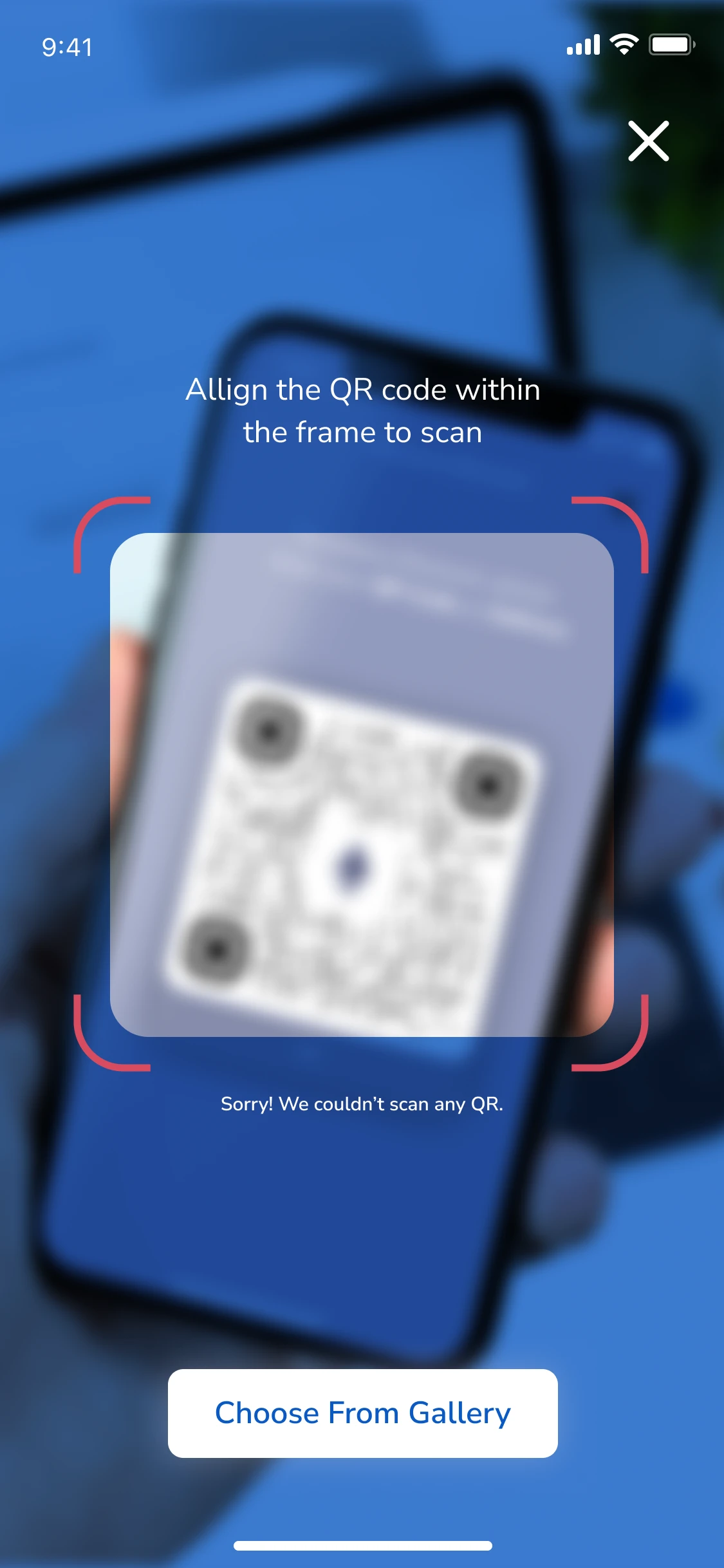 QR not recognised
Transaction history
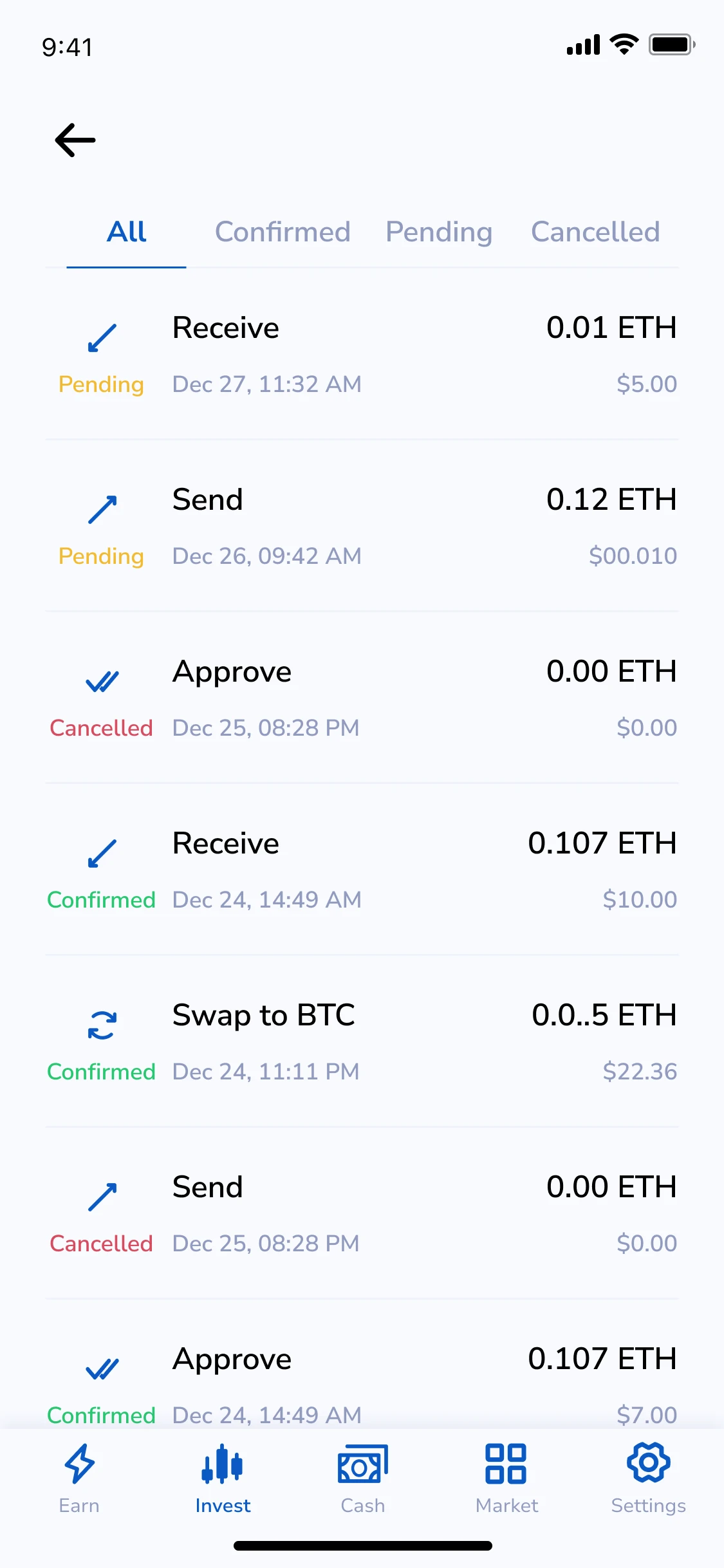 History
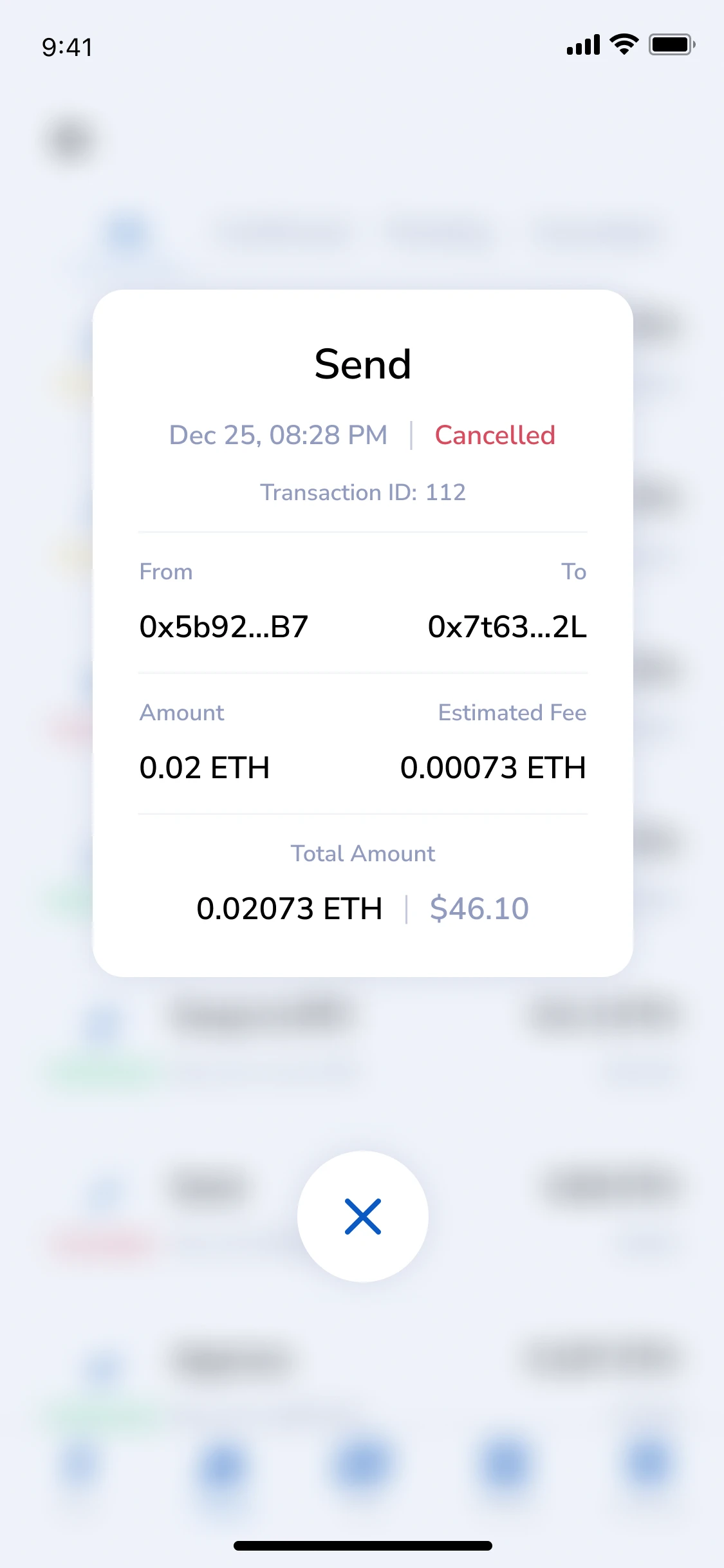 Send
Send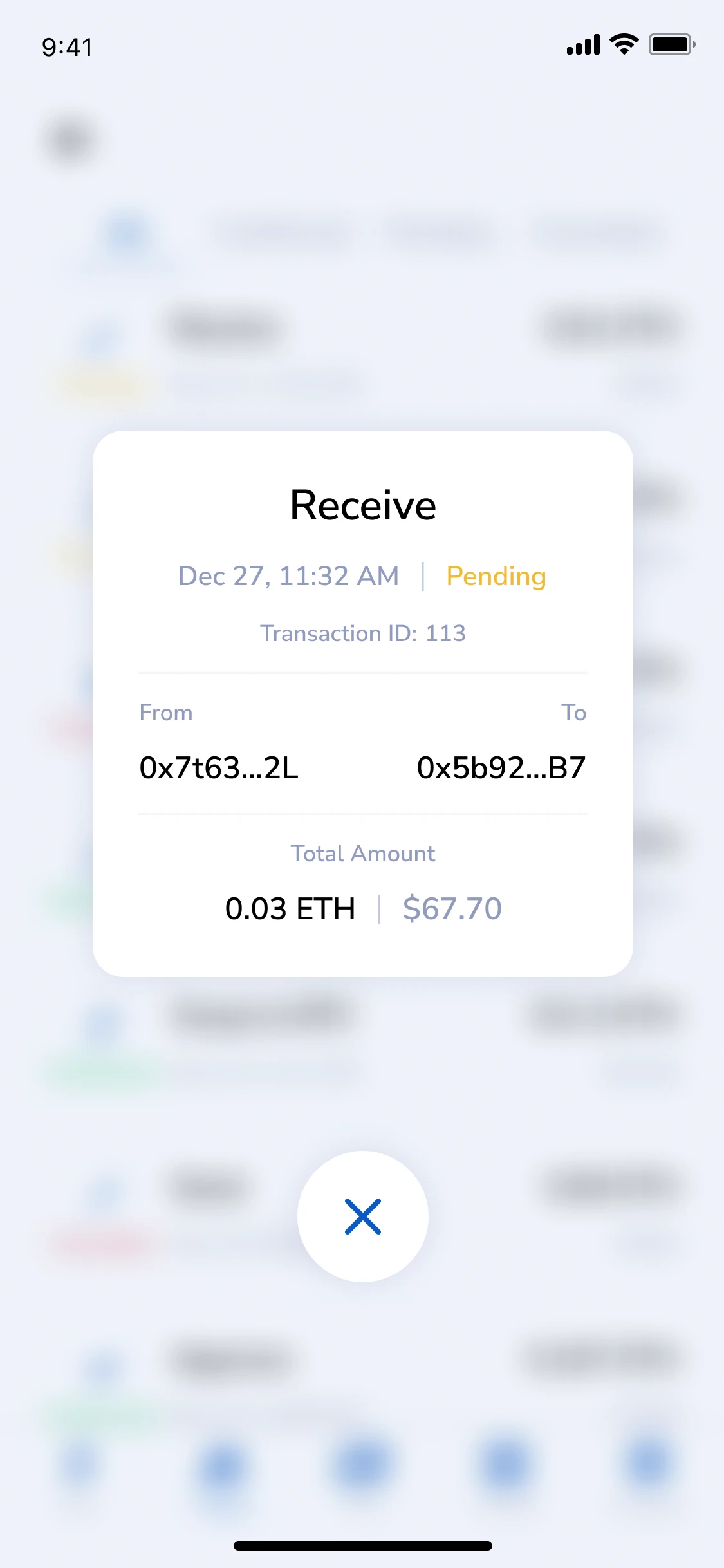 Receive
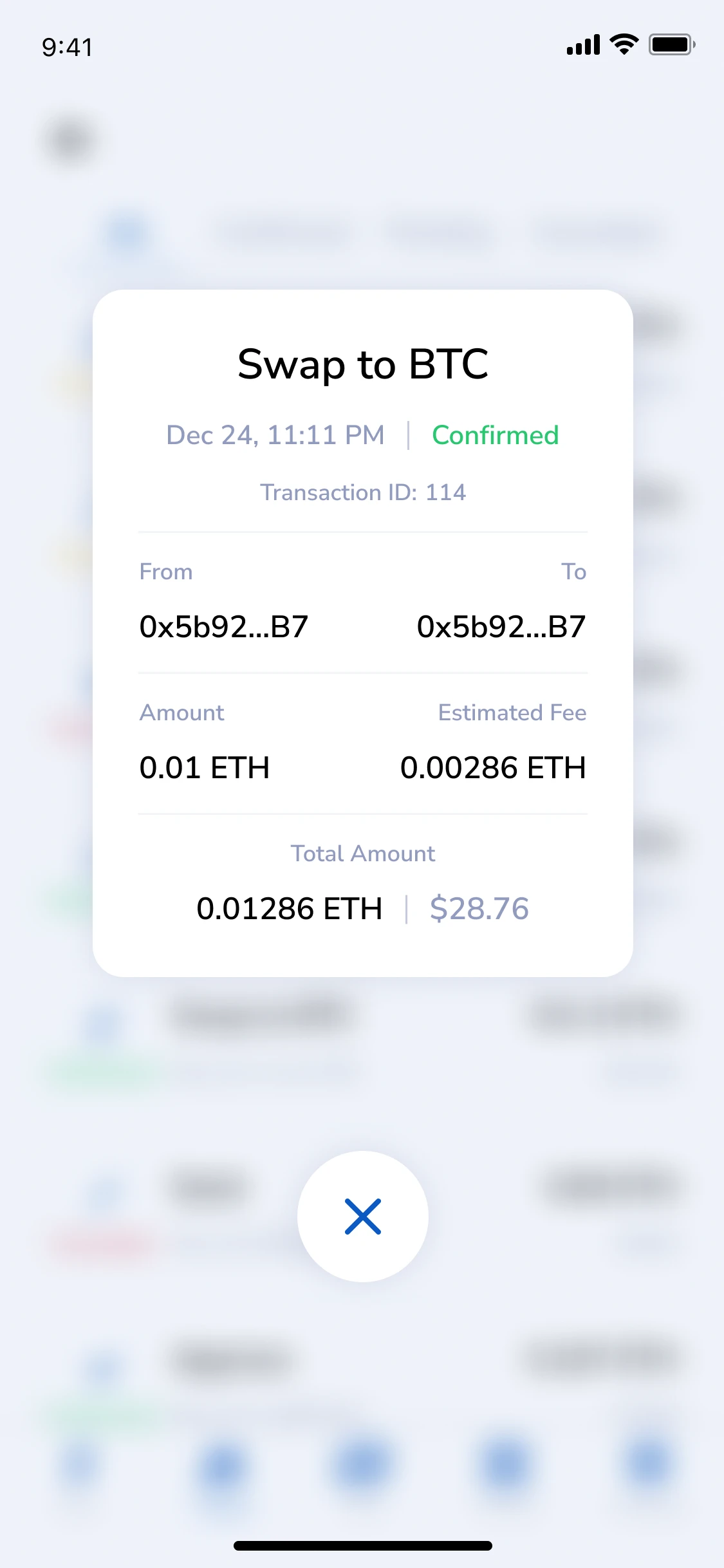 Swap to BTC
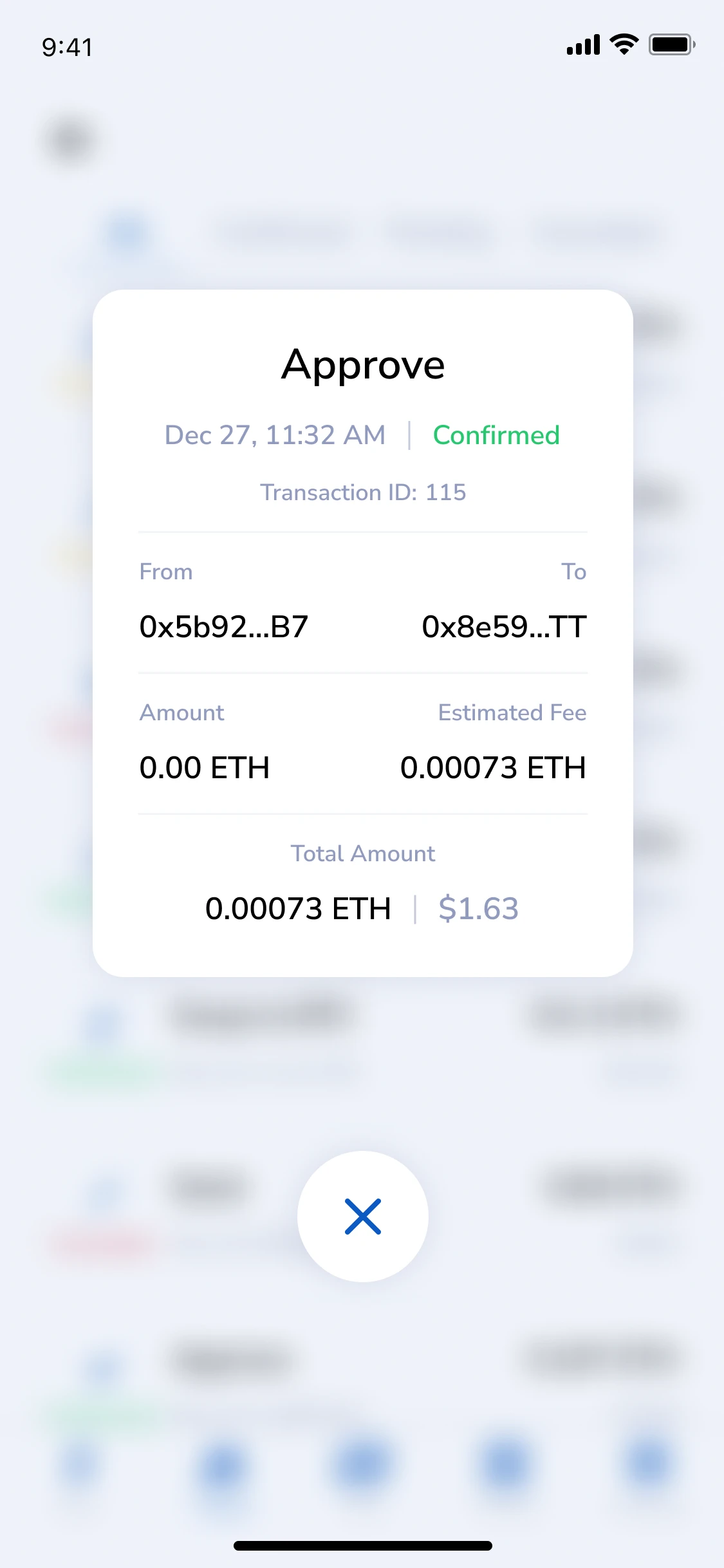 Approve
From the handoff file: empty states, the Invest flow, asset details and transaction history — every screen annotated for developers.