Mobile product
Dinee
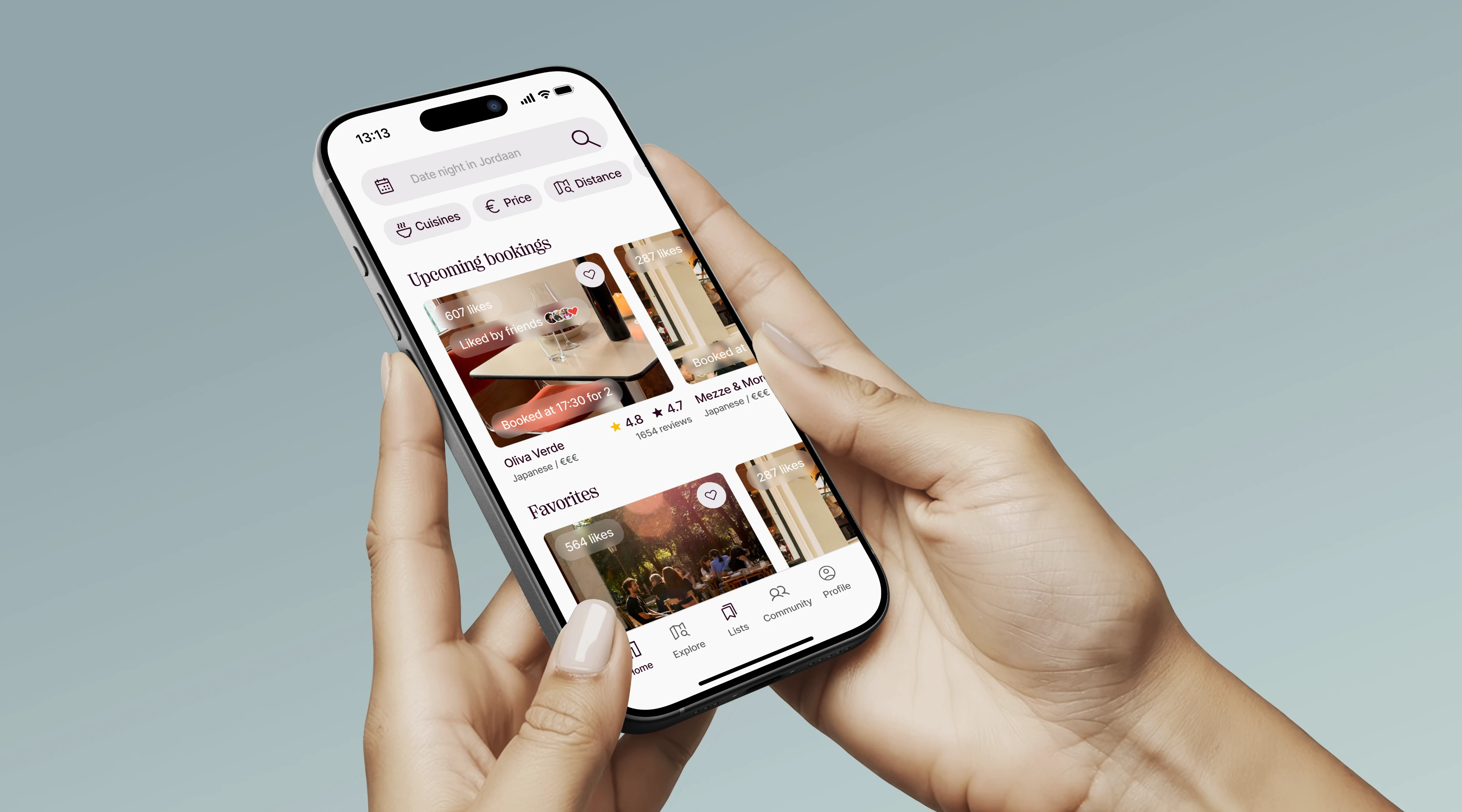
A restaurant app for finding, following and booking places. I strengthened its UI kit and designed two flows end to end: Lists, and adding a restaurant.
- 6 monthsEmbedded in the Minimum Code team2026
- 3Flows designed end to endLists · Recommend · Create a restaurant
- NLLive on iOS & AndroidLaunched in the Netherlands first
The brief
Dinee helps people find, follow and book restaurants — with ratings from Google and from friends in the Dinee community. It launched in the Netherlands first.
I joined mid-project: the core app was in place, but its UI kit was still primitive and two key flows were missing.
My role
Six months in the Minimum Code team: I strengthened the UI kit with cases and missing pieces, then designed two flows end to end.
- UI kit · states, cases and missing components
- Lists · create, share and collaborate
- Recommend a restaurant · for diners
- Create a restaurant · for owners
The challenge
How Igot there
- 01
Audit
Went through the live app and its kit to see which components and states were missing.
- 02
Strengthen
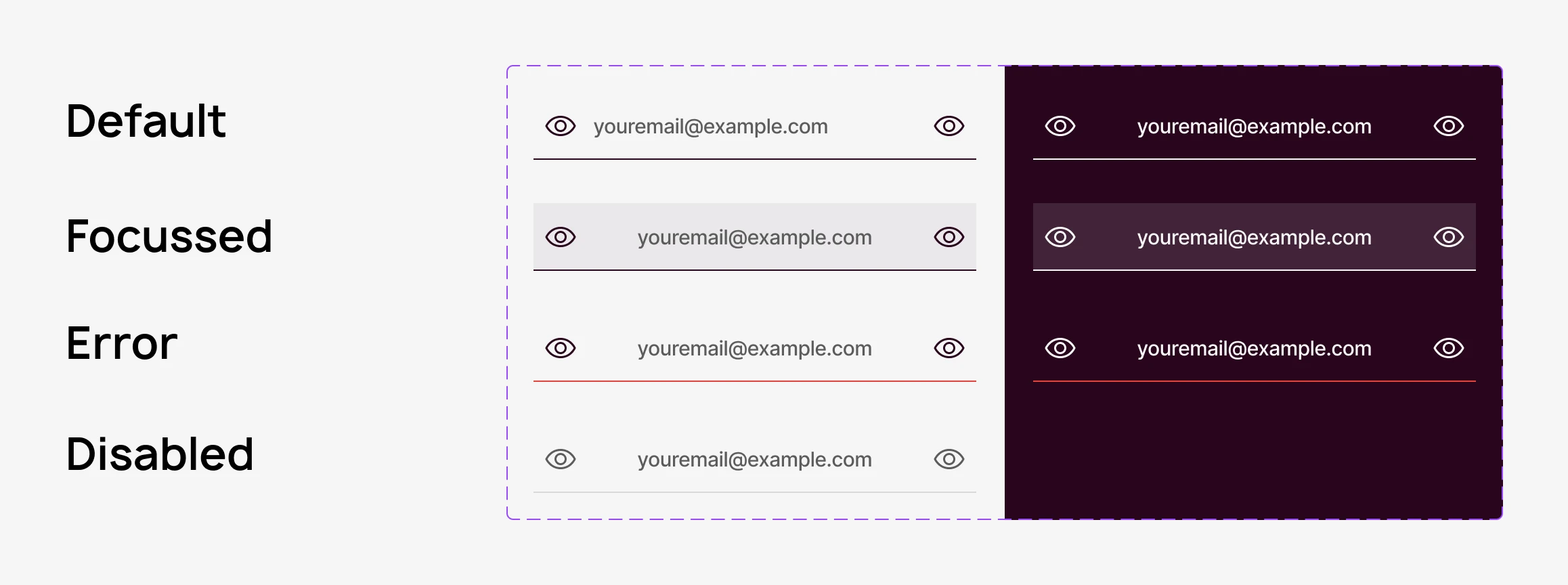
Added cases to the kit — empty, invited, pending, not found — and the components new flows needed.
- 03
Lists
Designed lists end to end: creating, editing, sharing and collaborating with friends.
- 04
Add a restaurant
Designed how diners recommend a place and how owners create their own listing.
UI kit
From primitive,to complete
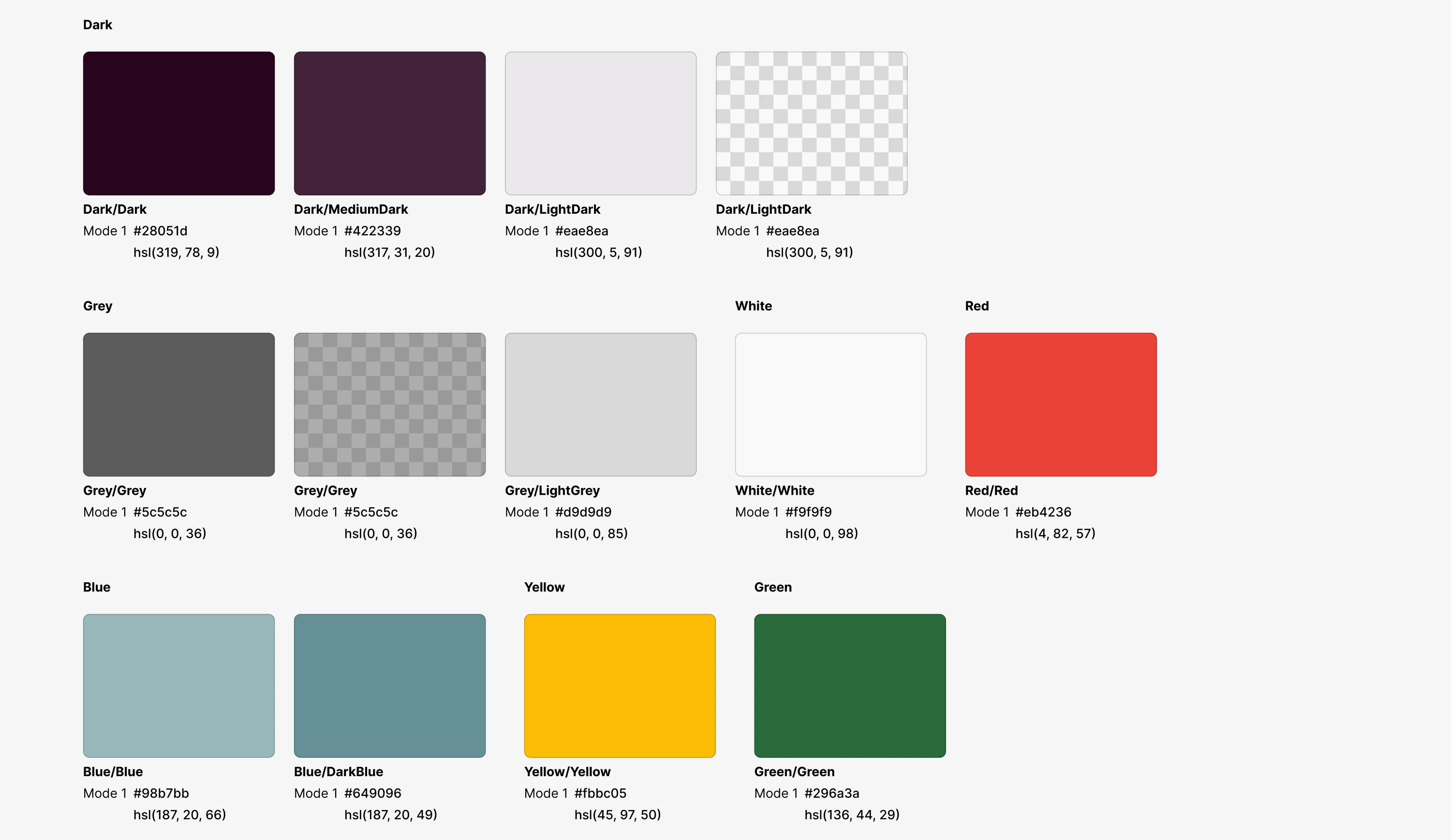
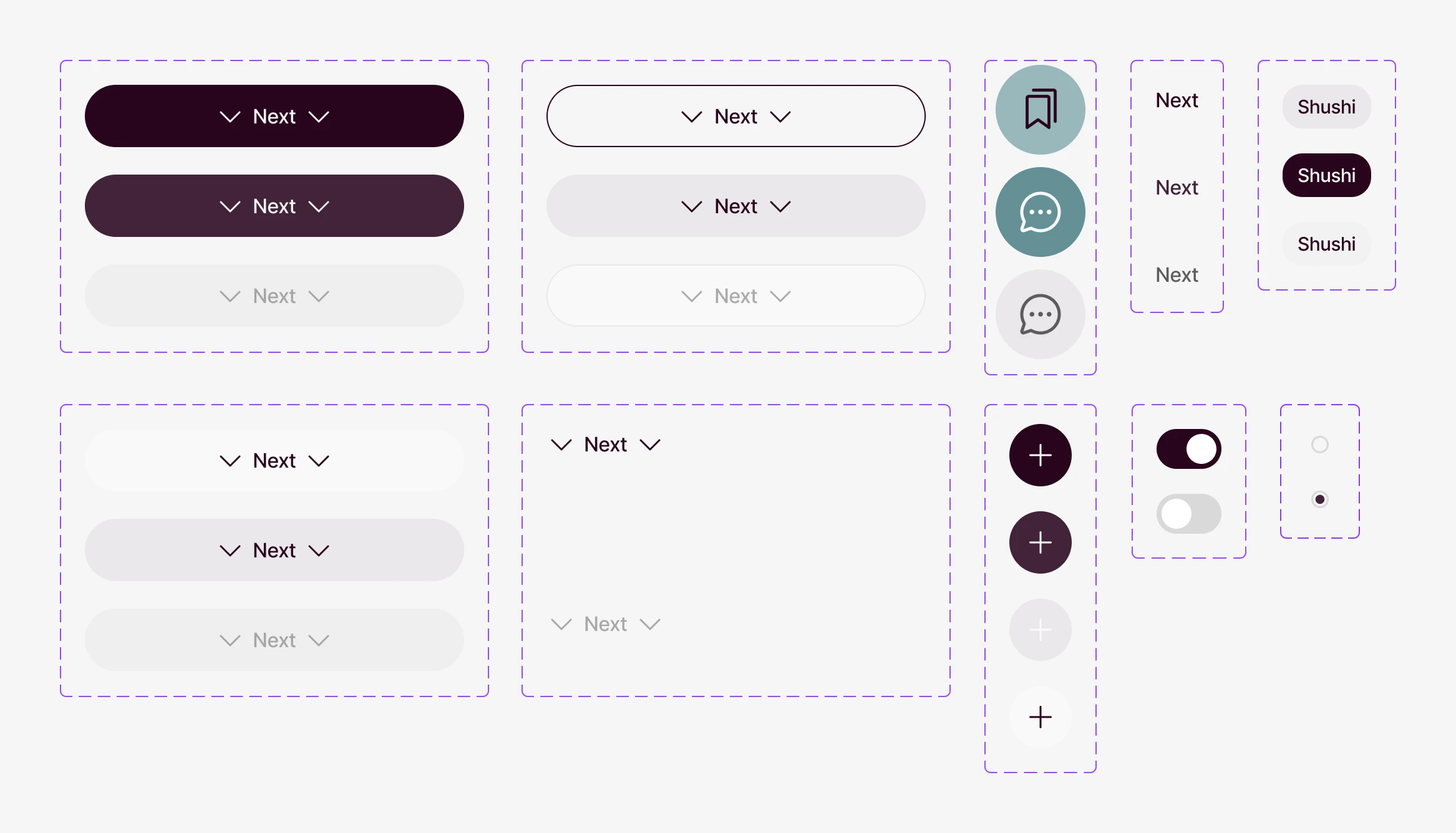
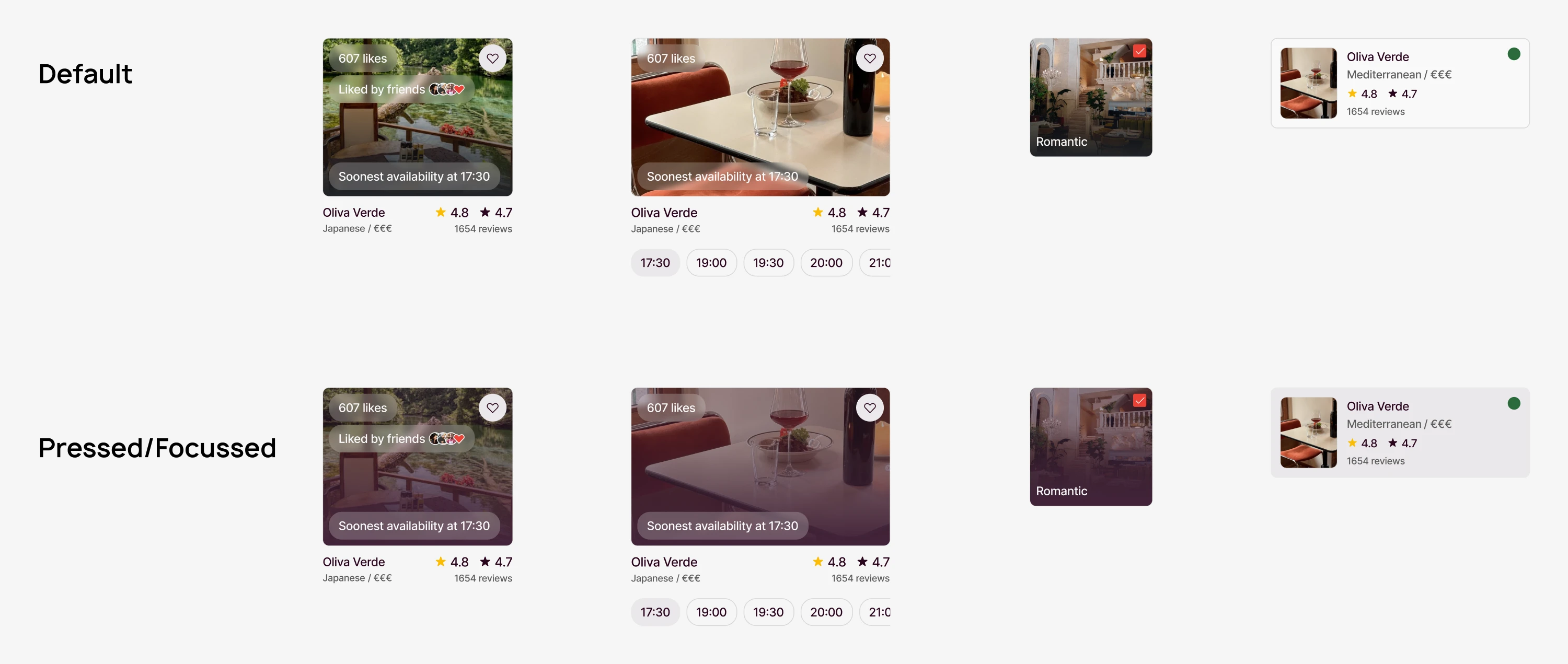
The existing kit had the basics but few rules. I added semantic colours, button variants for each case, defined the radius and spacing nobody had set, designed the bottom sheets — and gave every component the states real data creates.
- 01
Semantic colours
Success, warning, error and info got their own colours, so a state reads the same on every screen.
- 02
Buttons for every case
Primary, inverted, ghost, outline, link and icon buttons — each with default, pressed and disabled states.
- 03
Rules where there were none
Radius and gaps that were set by eye became tokens; bottom sheets got one pattern used everywhere.
Flow 01 · Lists
Saved together,shared together
Lists turn saved places into something to share. I designed the whole flow — creating and editing lists, liking, sharing, adding collaborators and what an invited friend sees.
Create & manage
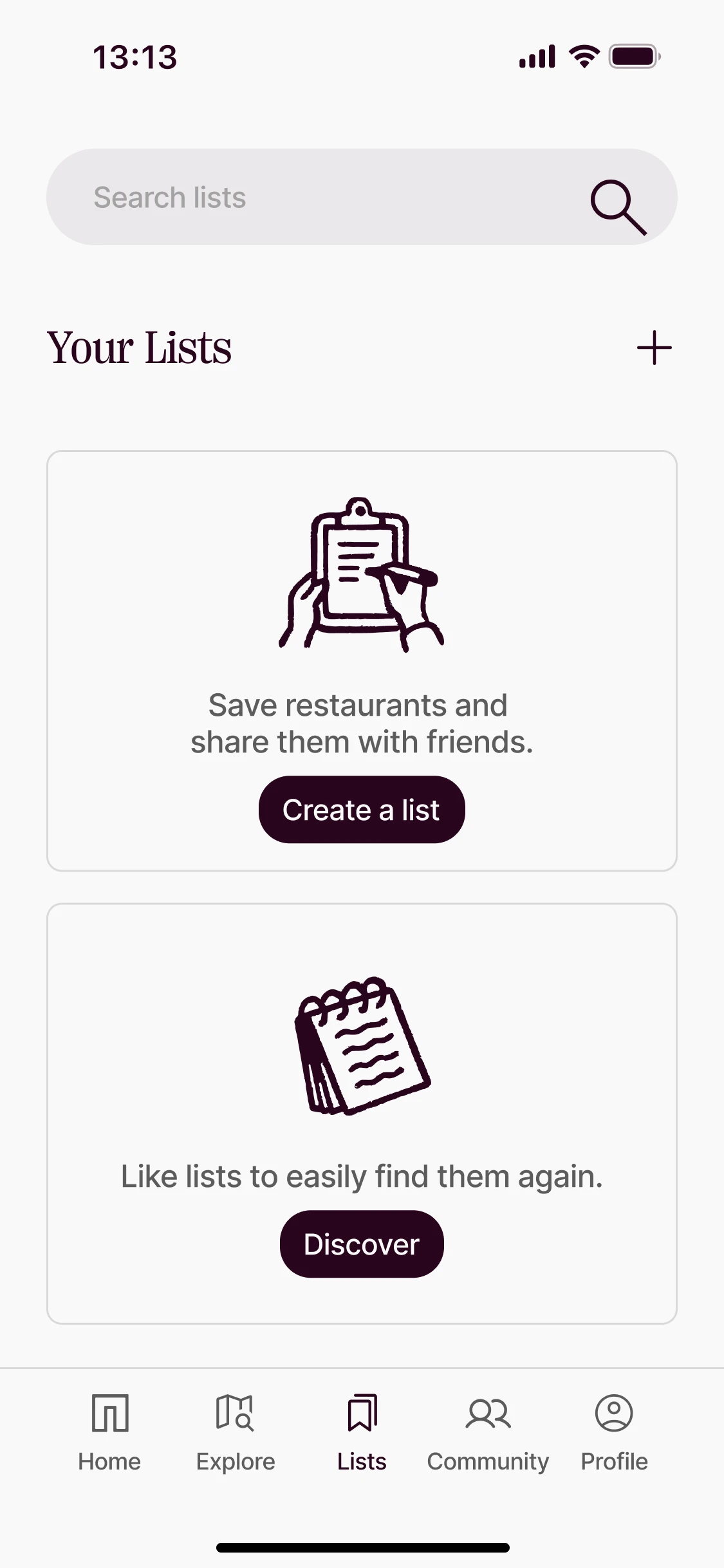 Your lists
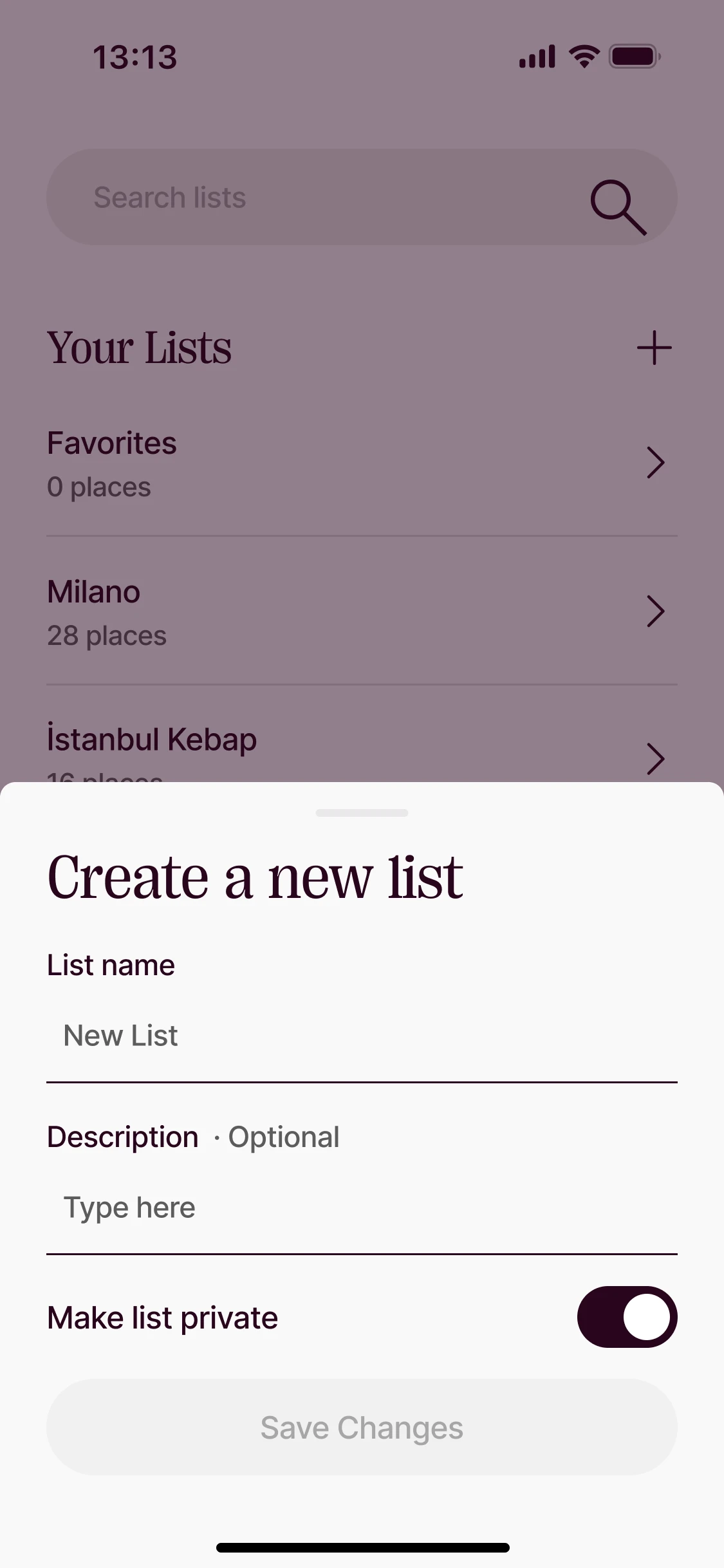 Create a new list
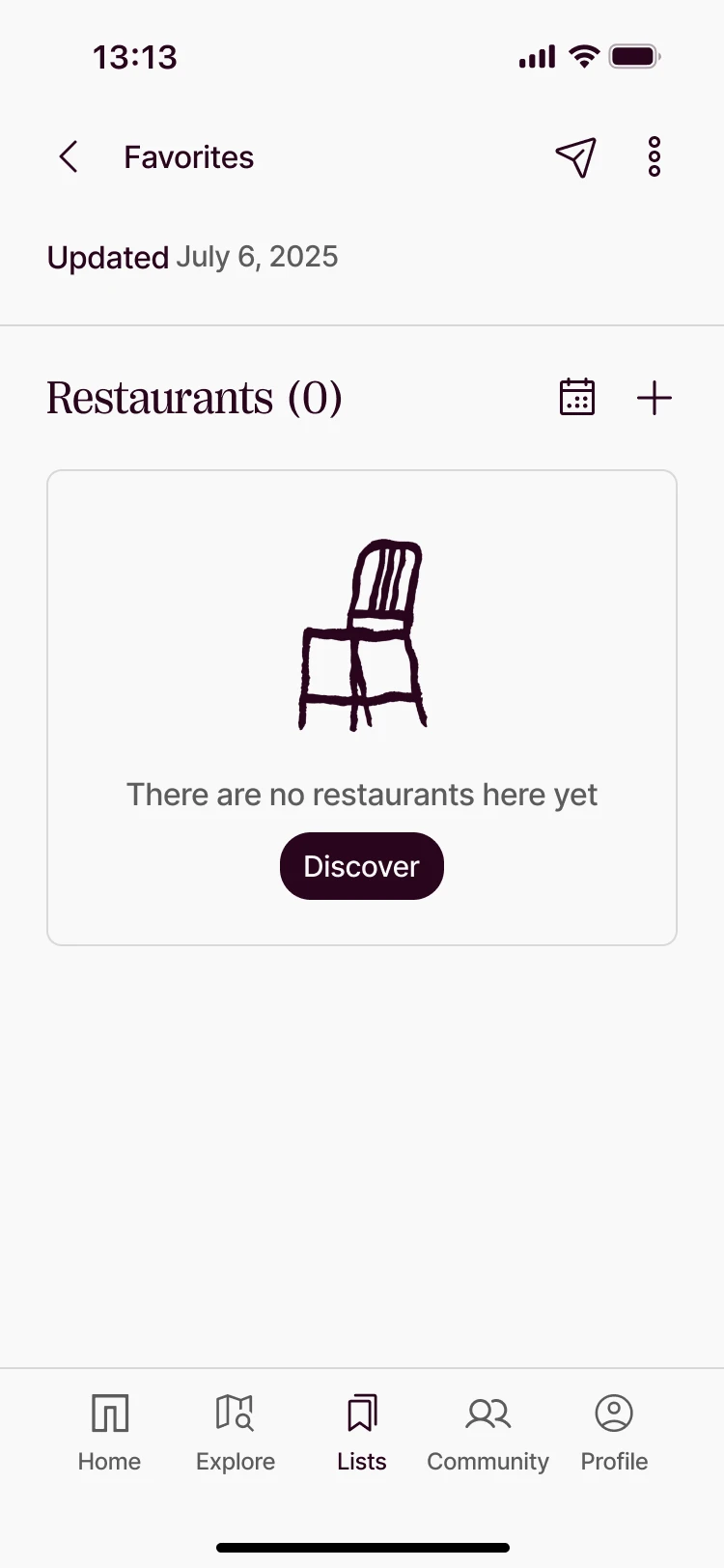 A list
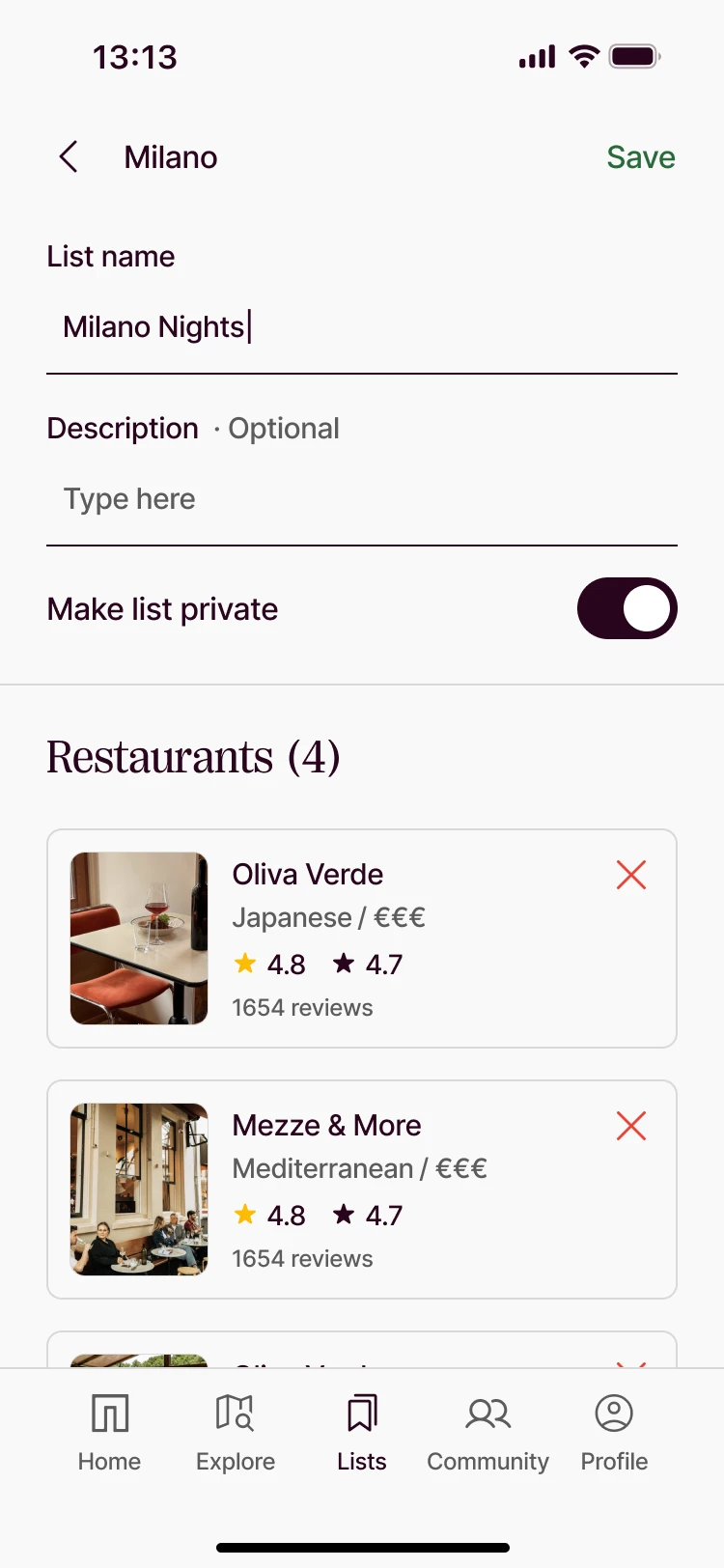 Edit list
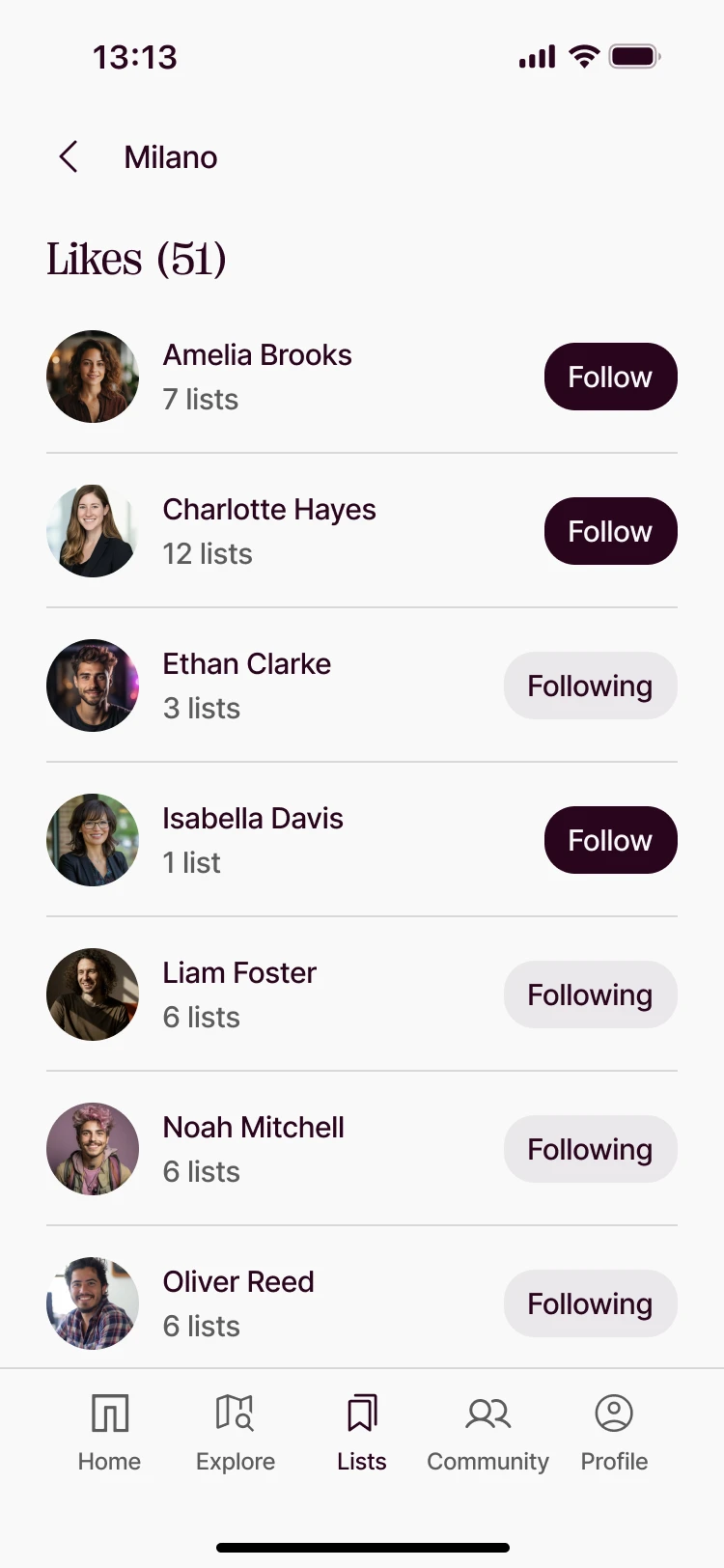 Likes
Likes
Share & collaborate
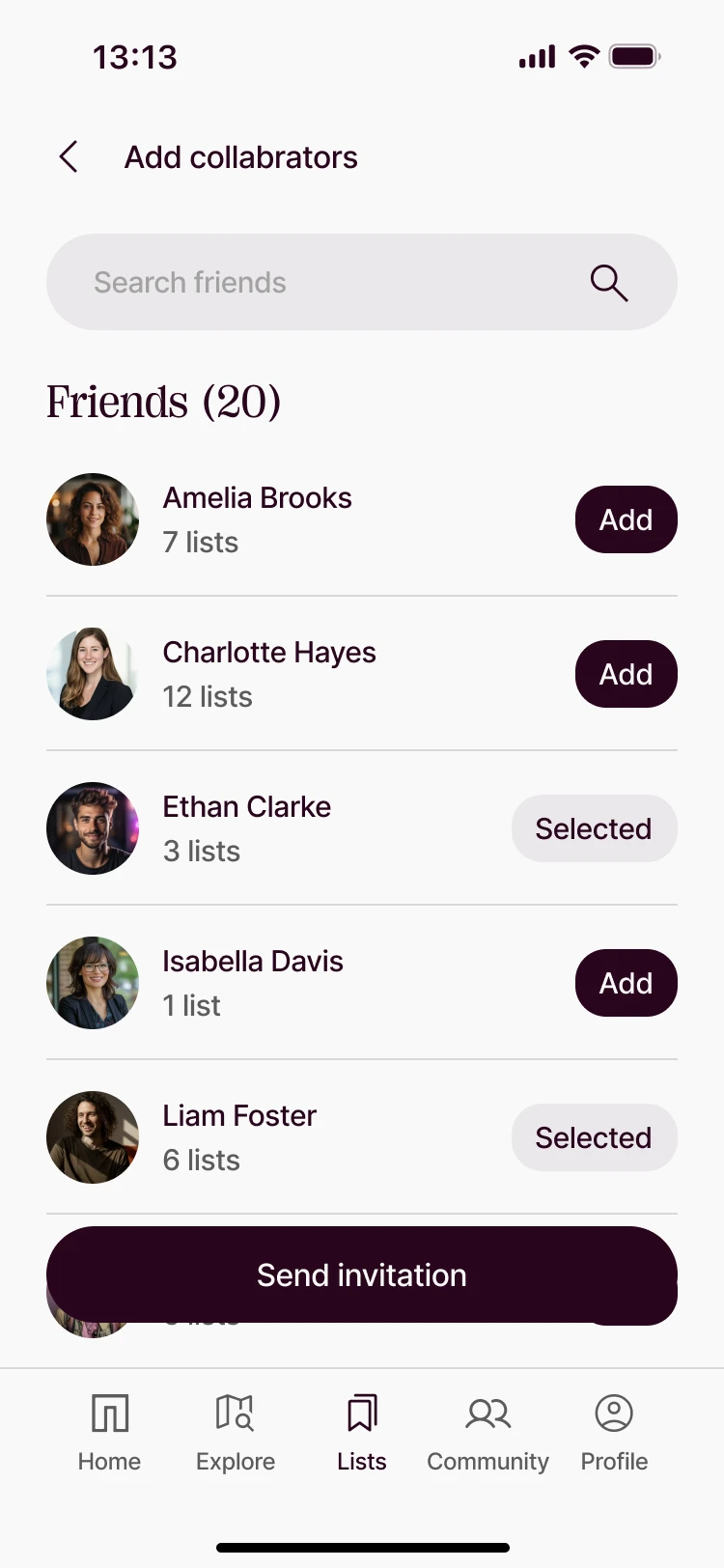 Add collaborators
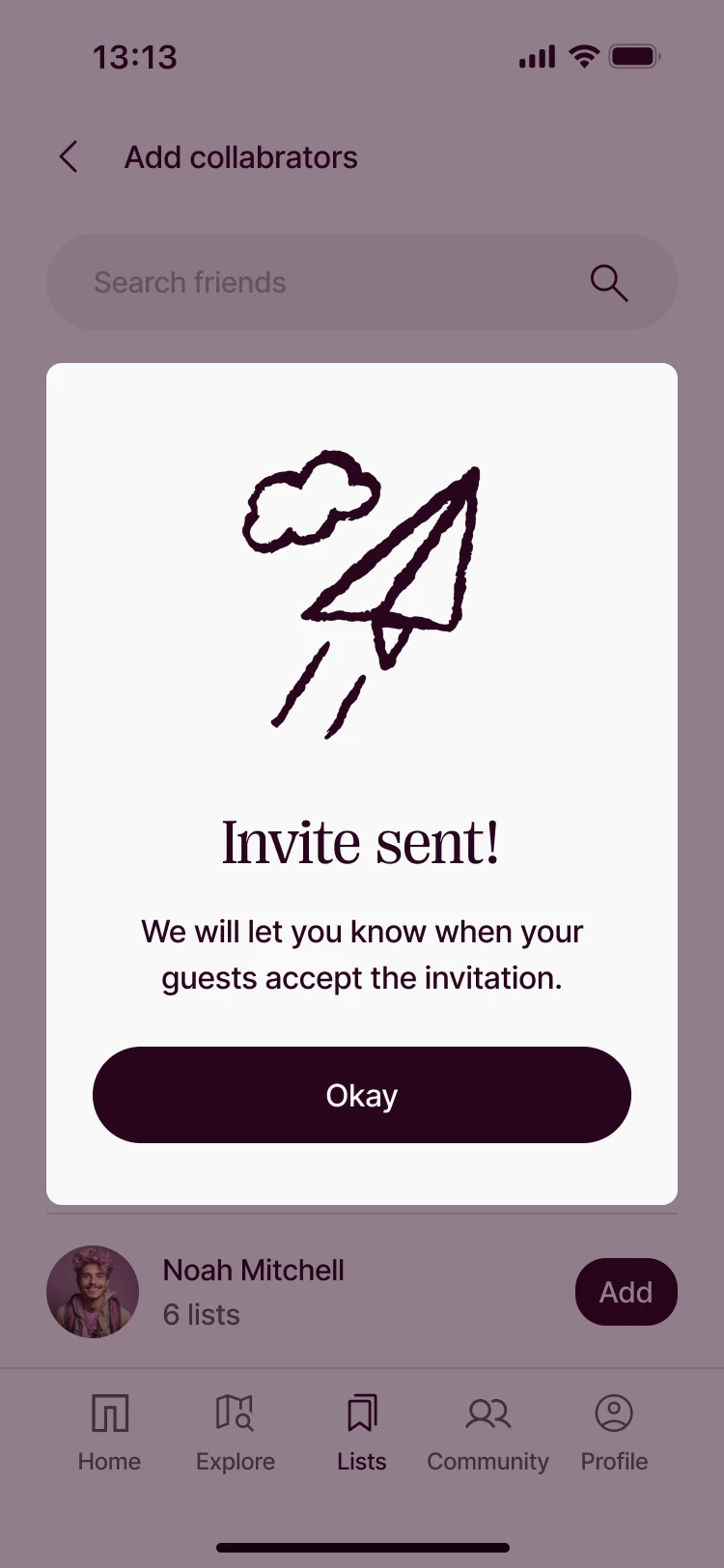 Invite sent
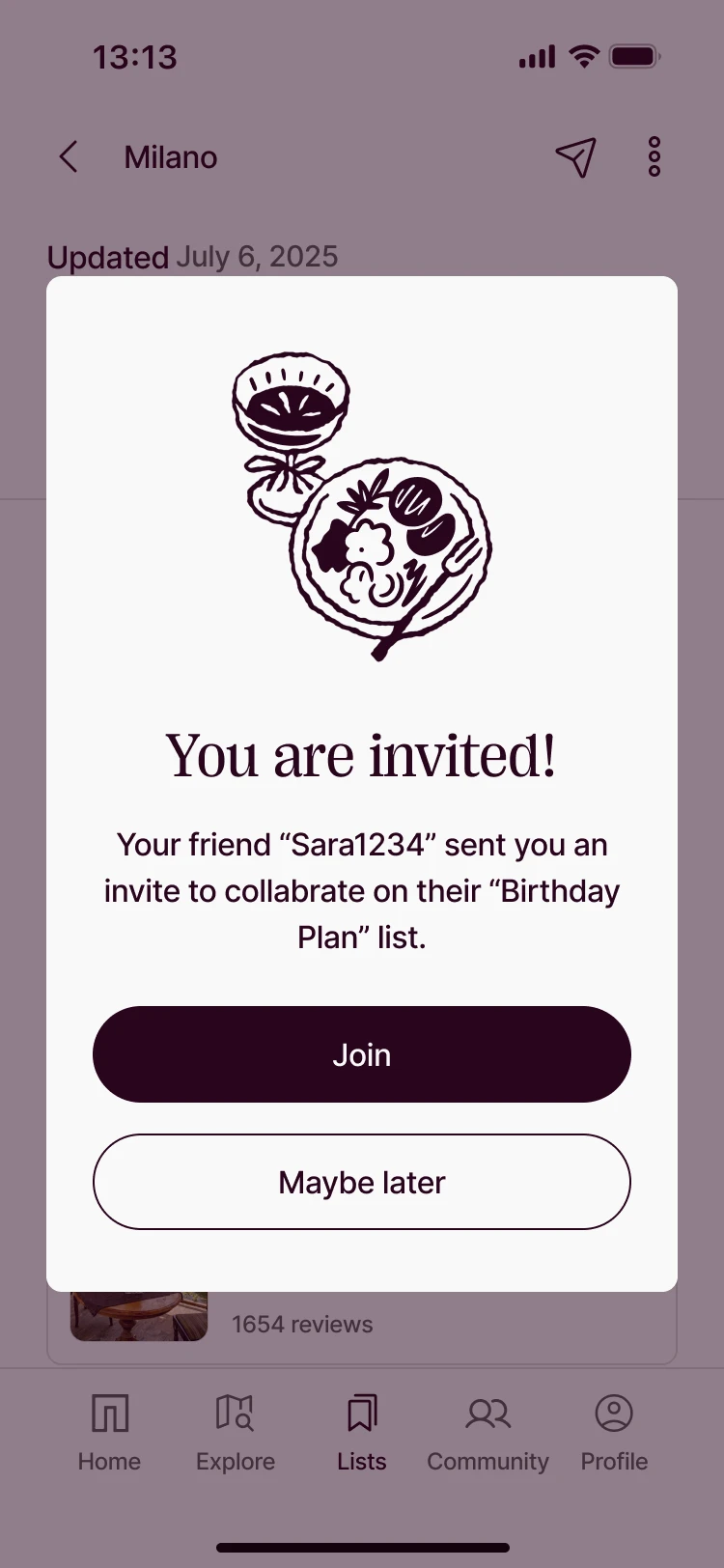 You are invited
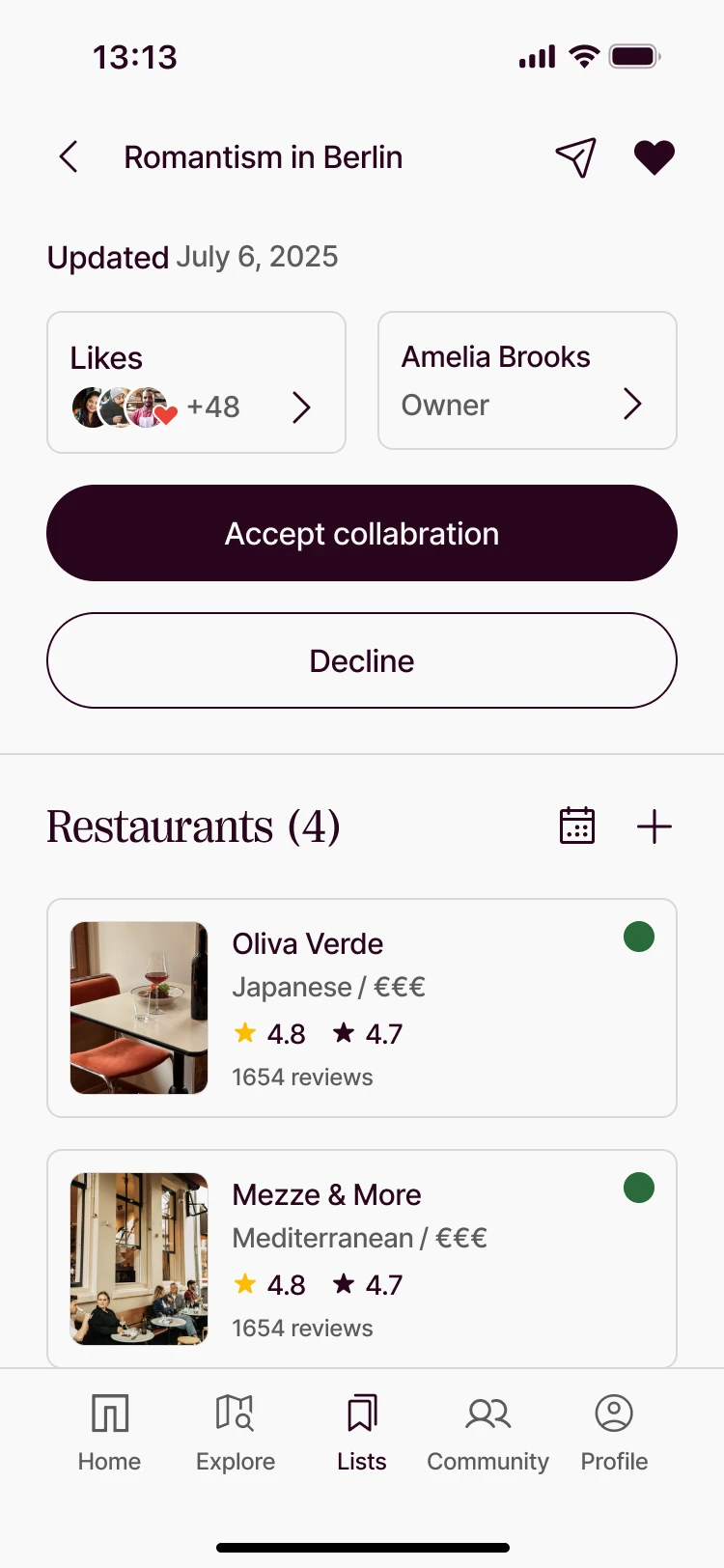 Invited list · accept or decline
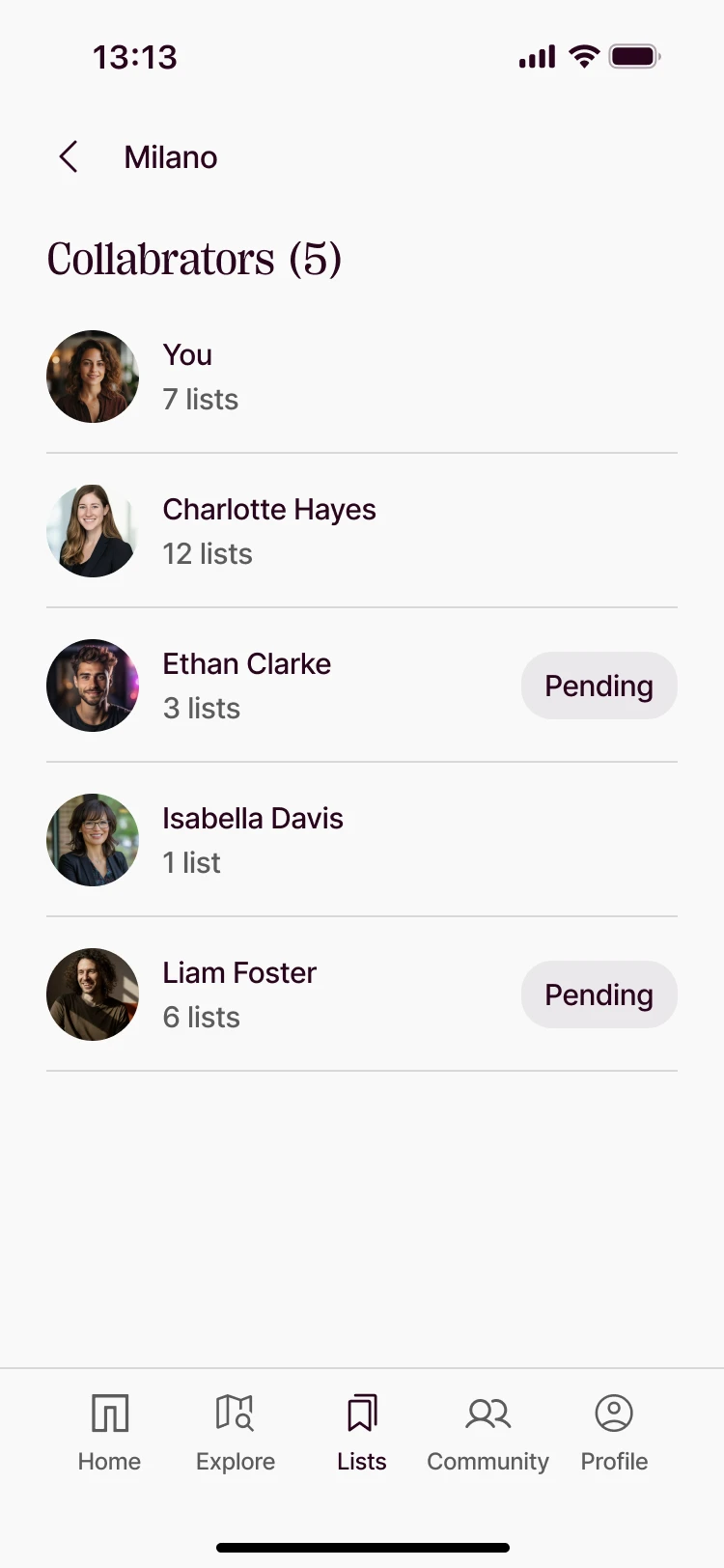 Collaborators · pending
- 01
Lists are social
Every list can be shared, liked or opened up to collaborators — saving a place is the start of a plan.
- 02
Every role has a view
Owner, collaborator, invited friend and visitor each see the same list with the right actions.
- 03
Invitations, handled
Sent, pending, accepted or declined — each step tells both sides where things stand.
Flow 02 · Add a restaurant
Every place,a way in
Two ways in: diners recommend a place they love, owners create their own listing. Both start from Google data — and both have an answer for when it doesn’t match.
Recommend · for guests
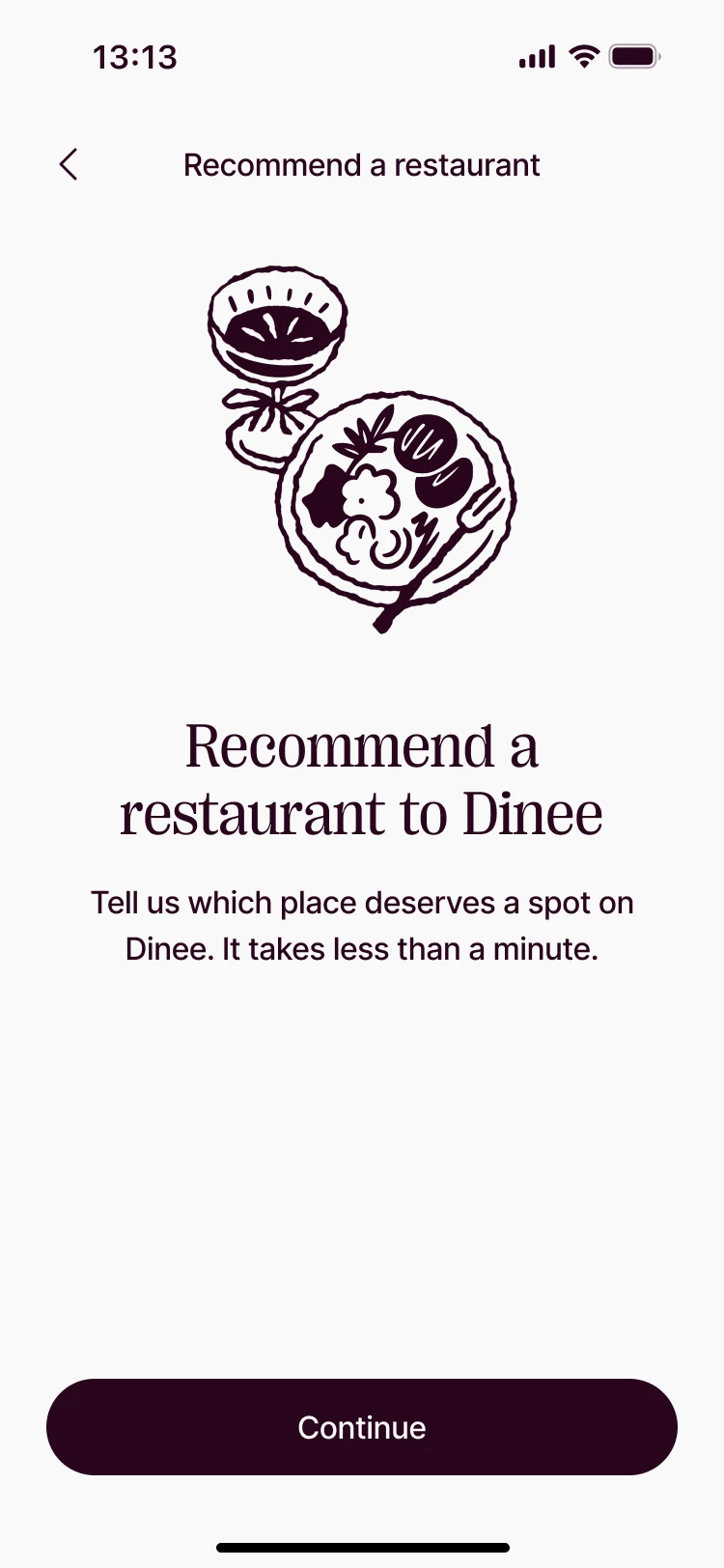 Recommend to Dinee
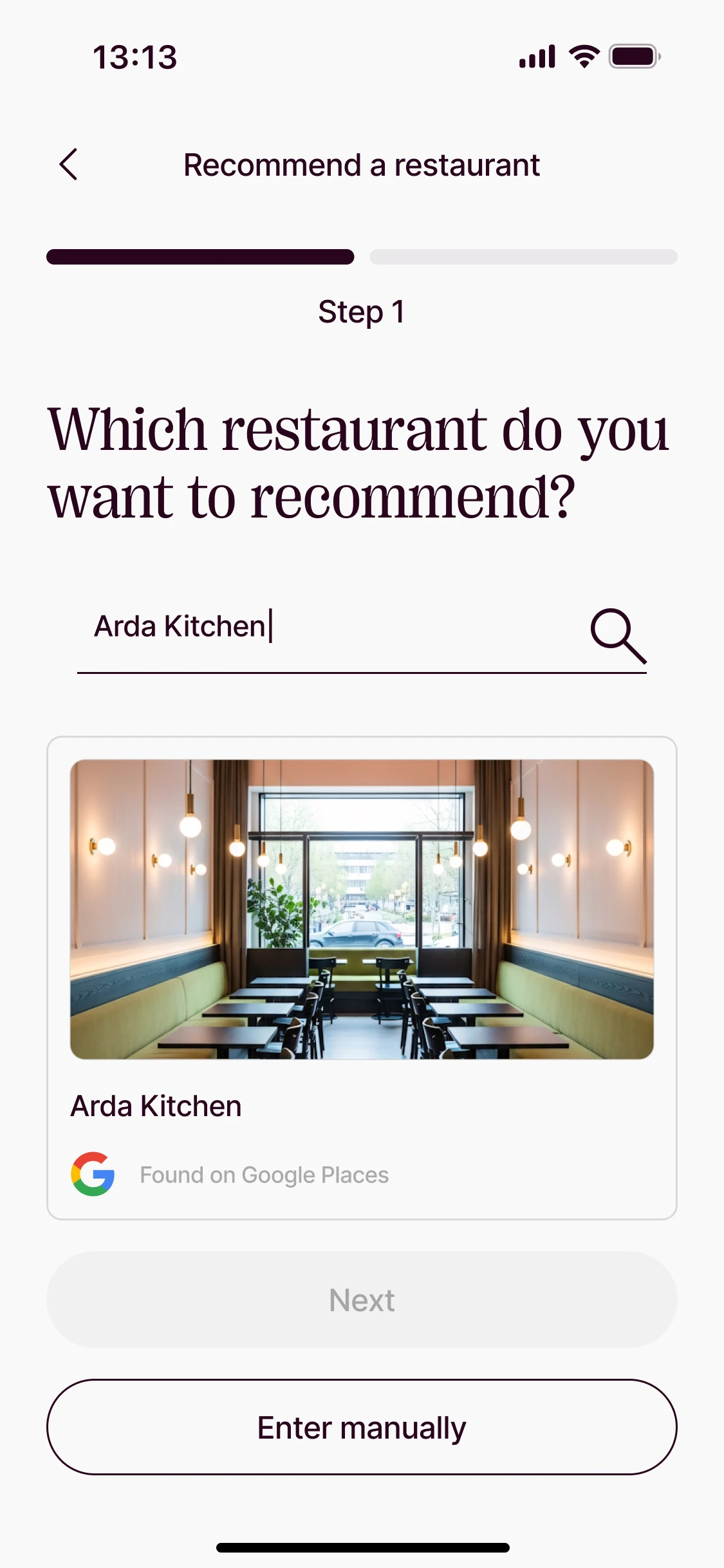 Search
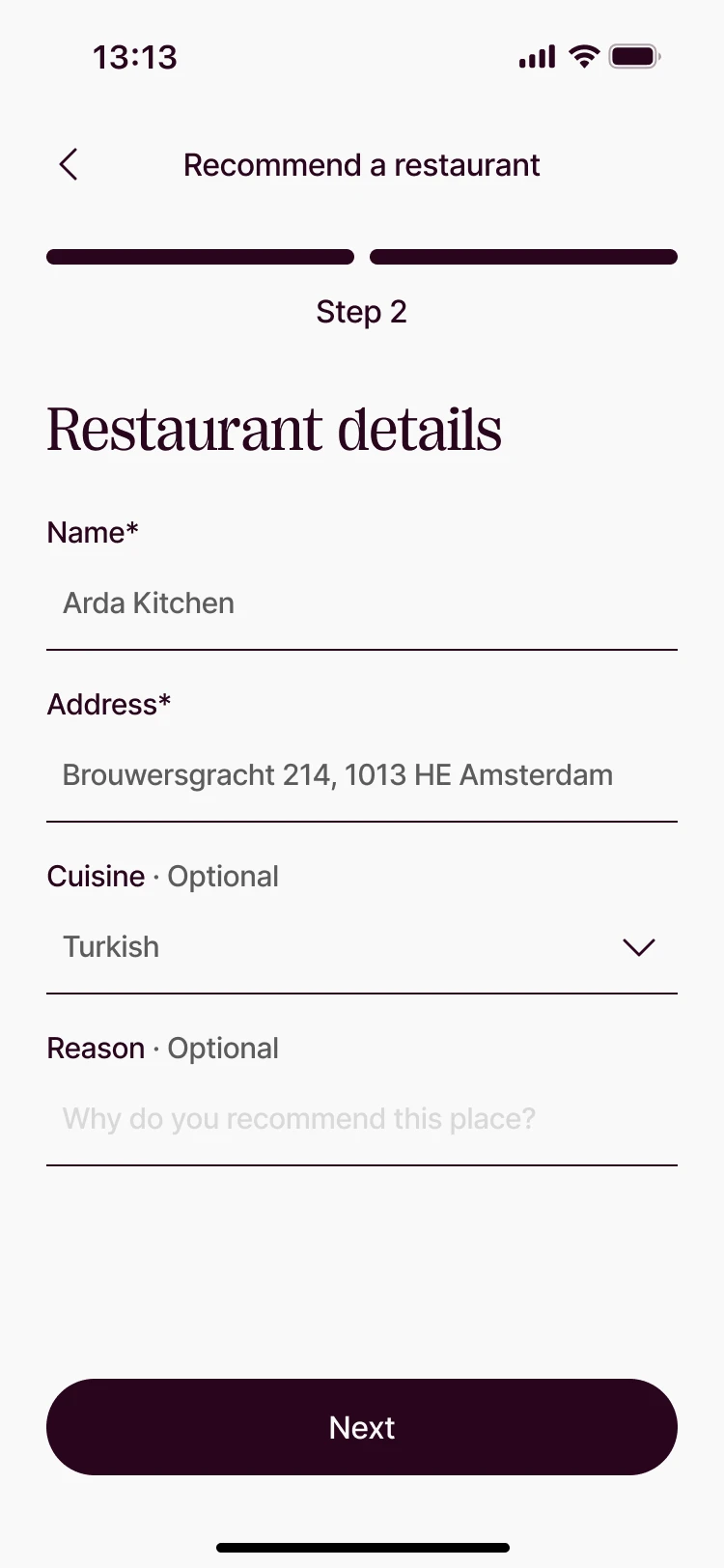 Check the details
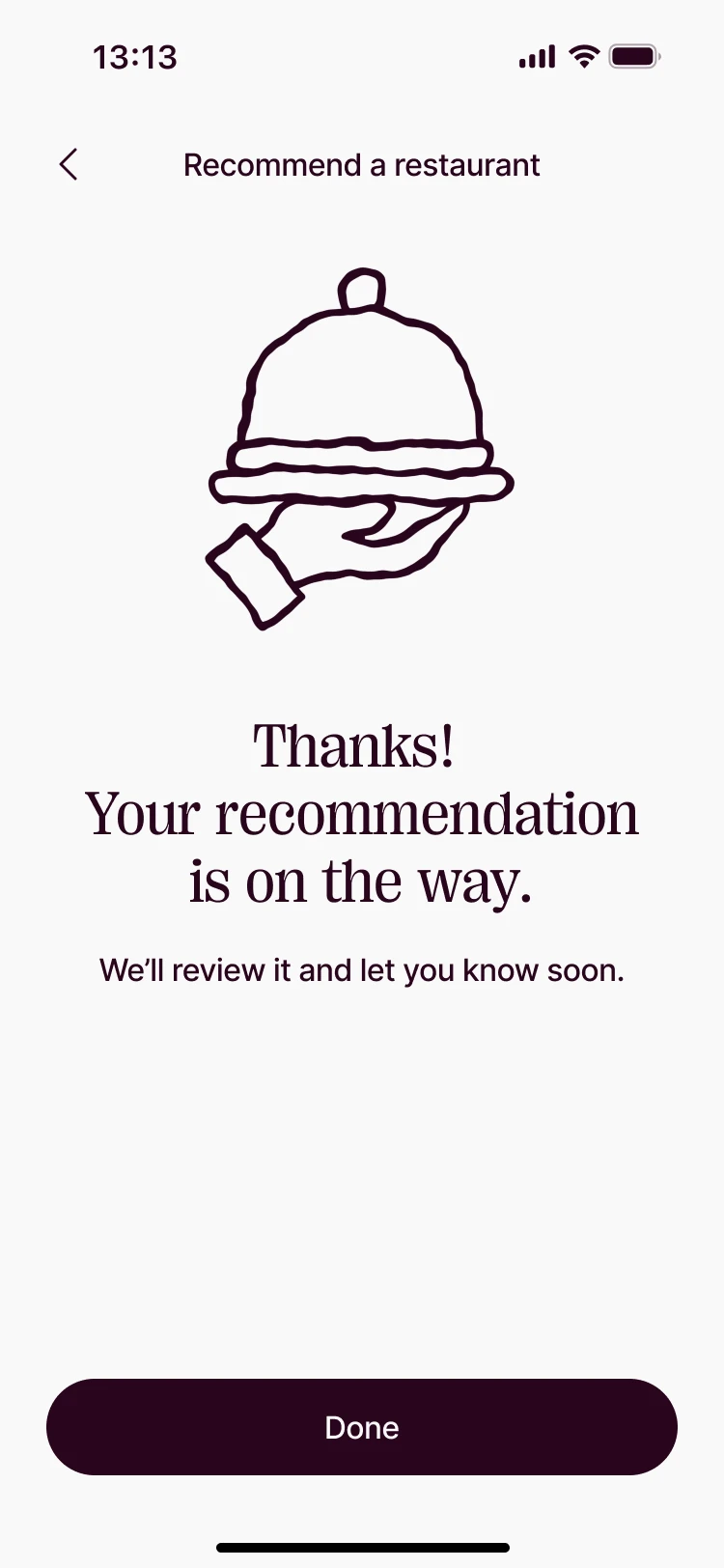 Thanks
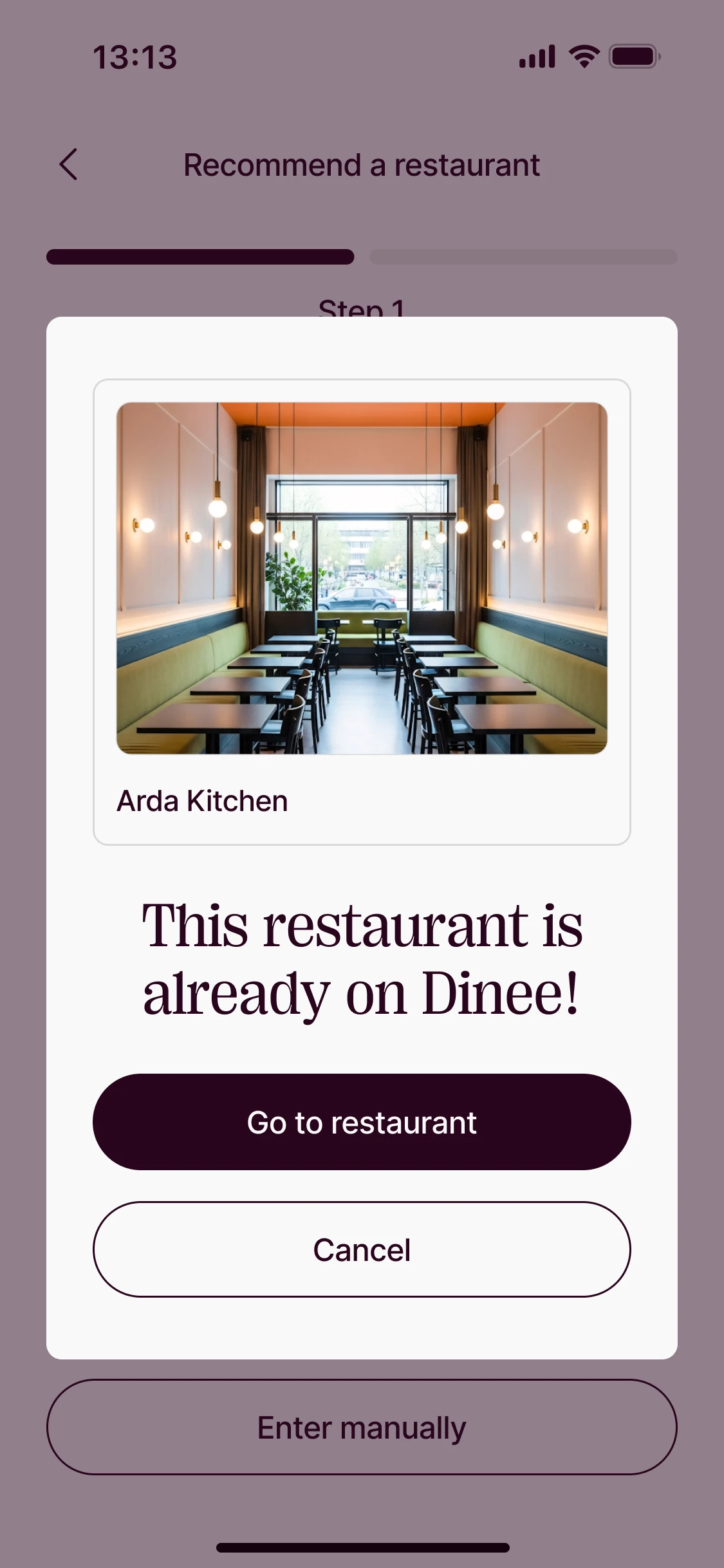 Go to restaurant
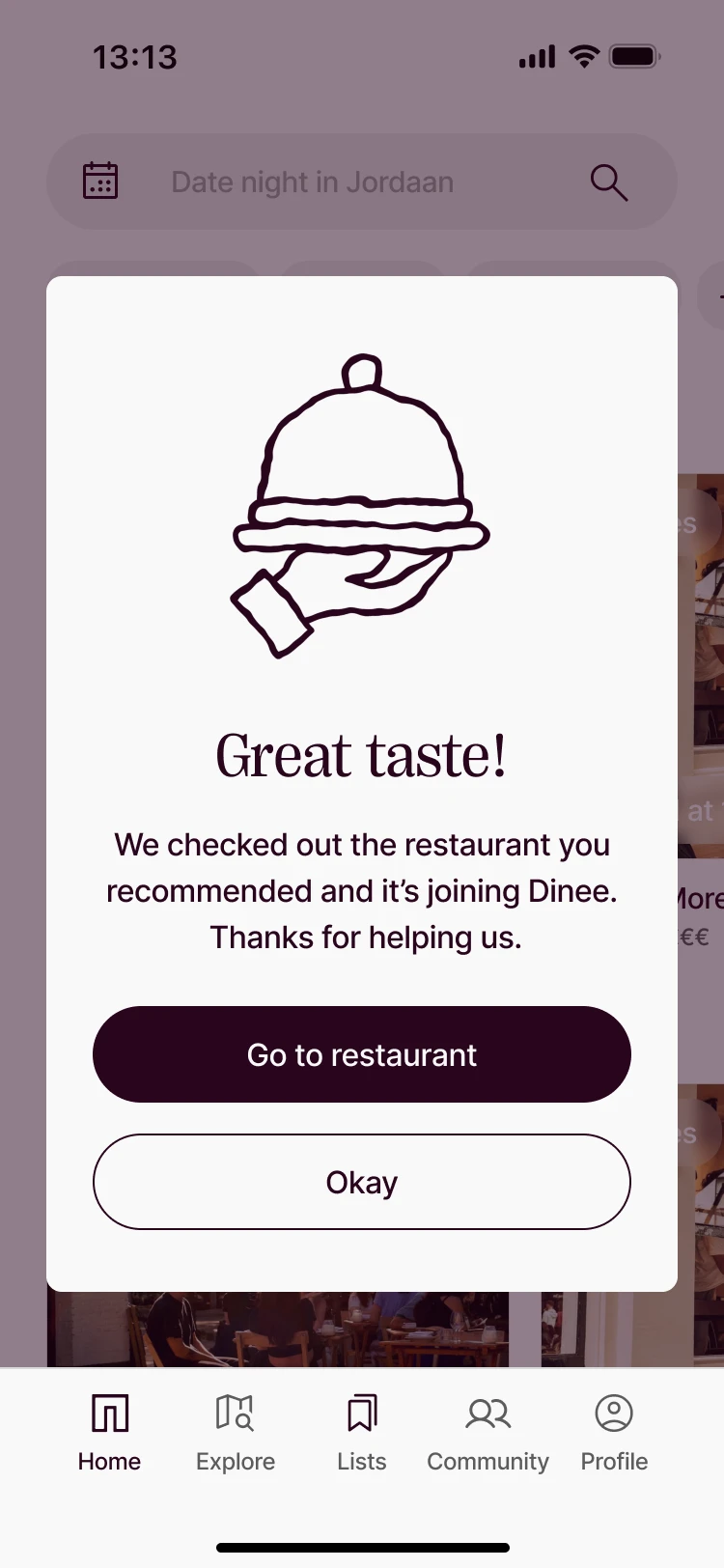 Added · great taste!
Create · for owners
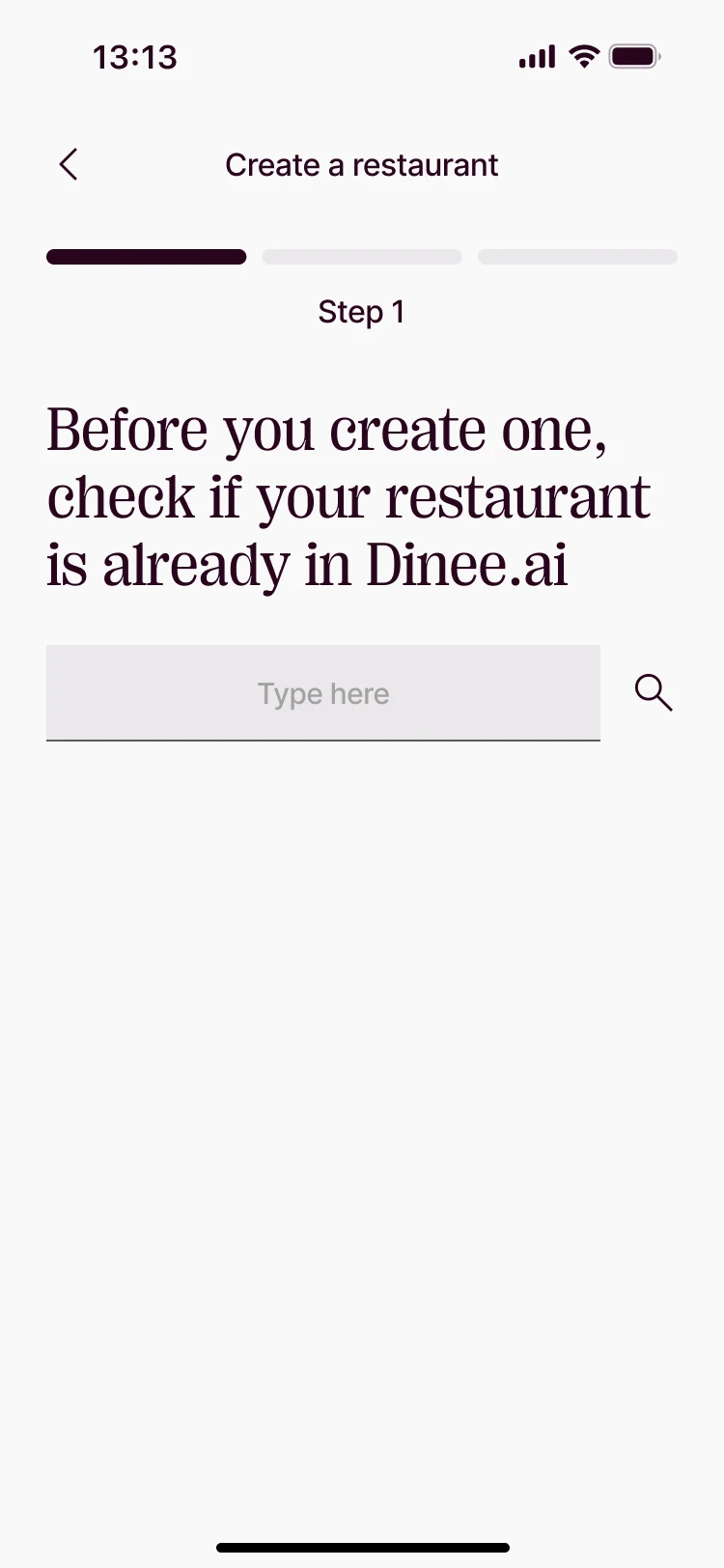 Create a restaurant
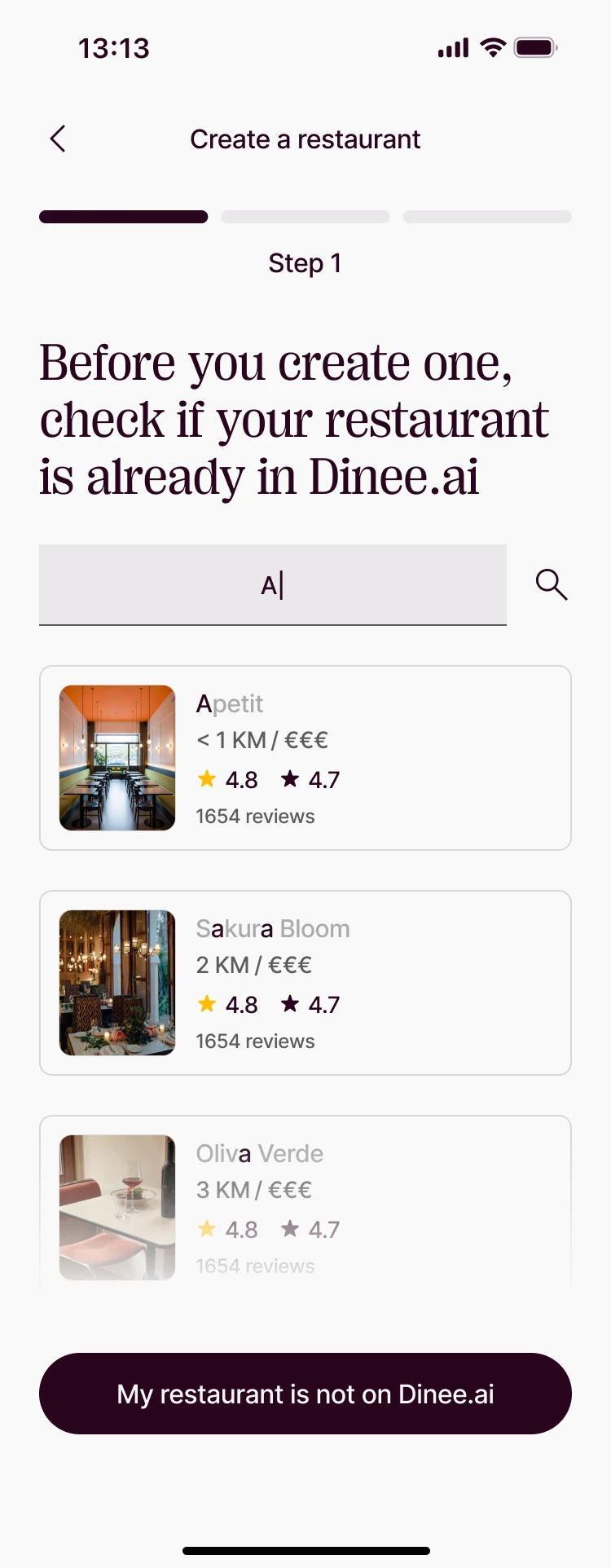 Not on Dinee yet
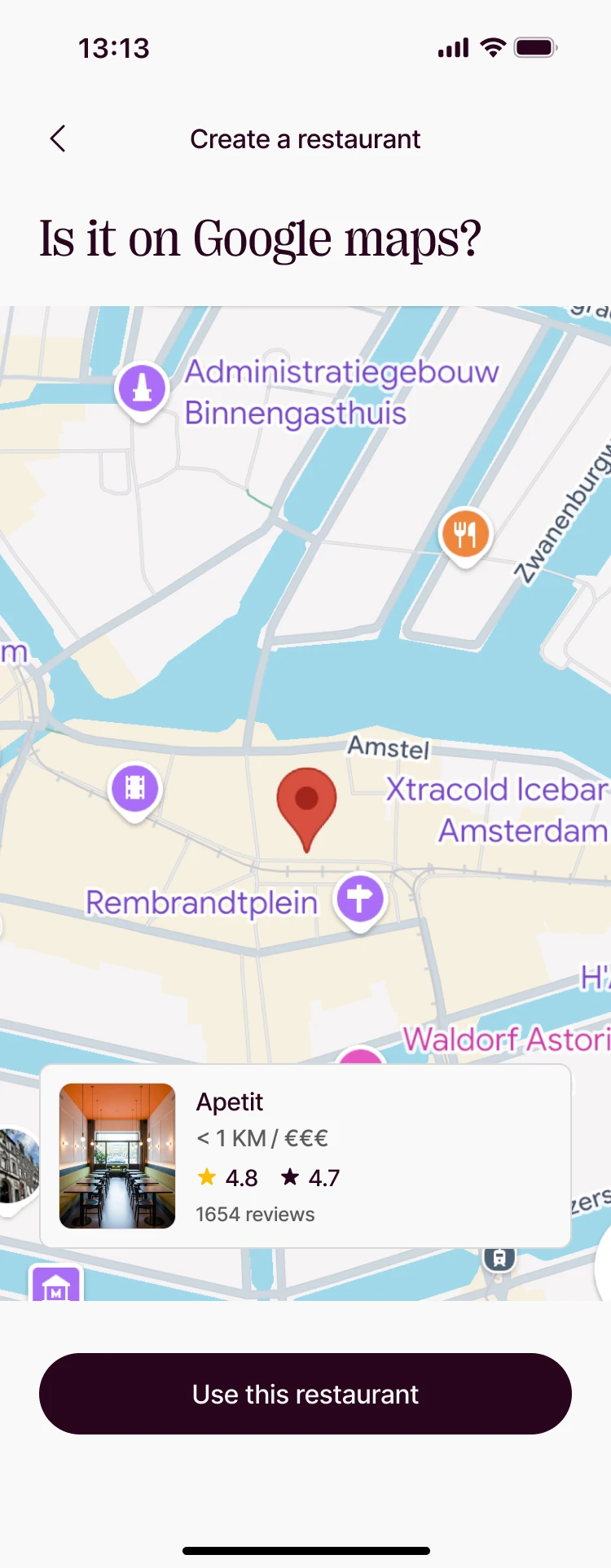 Found on Google
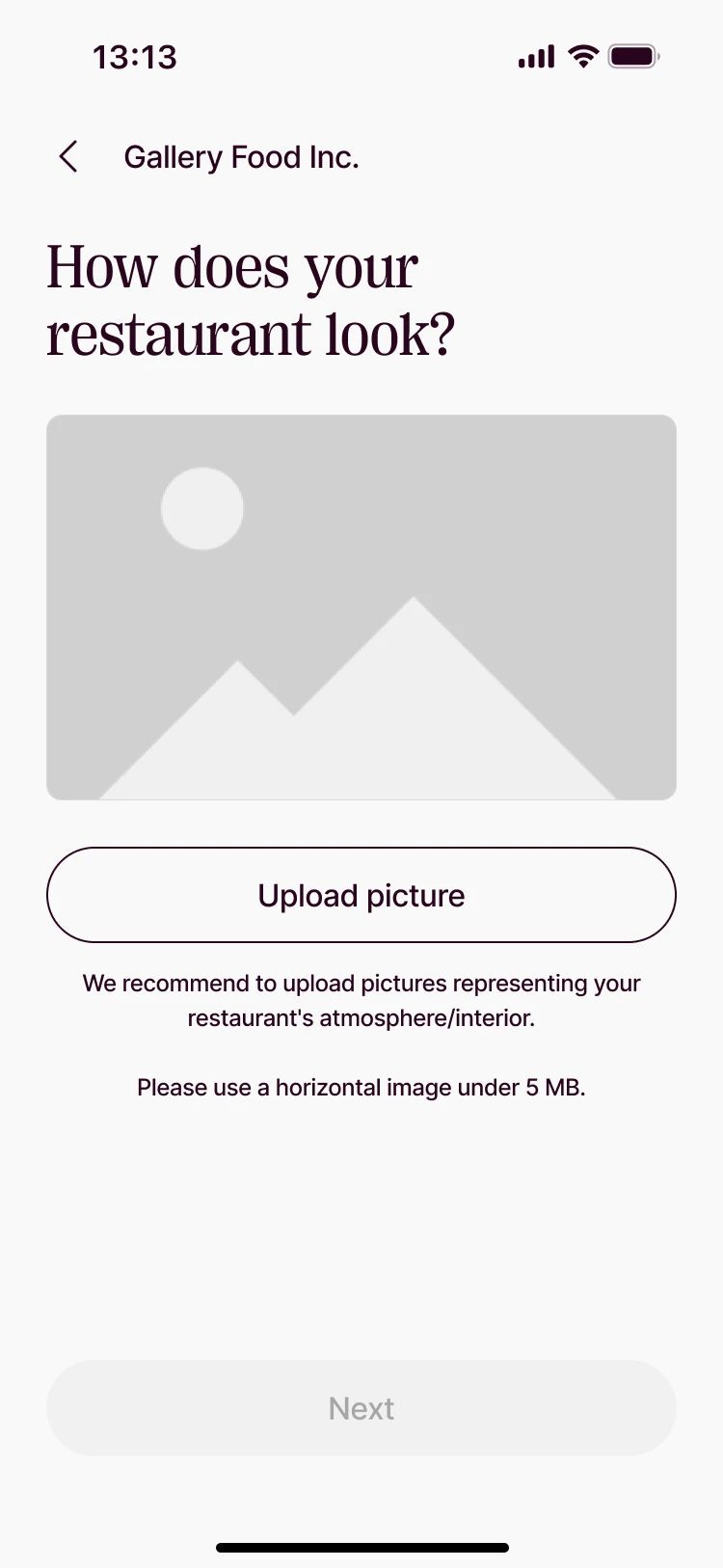 One question per screen
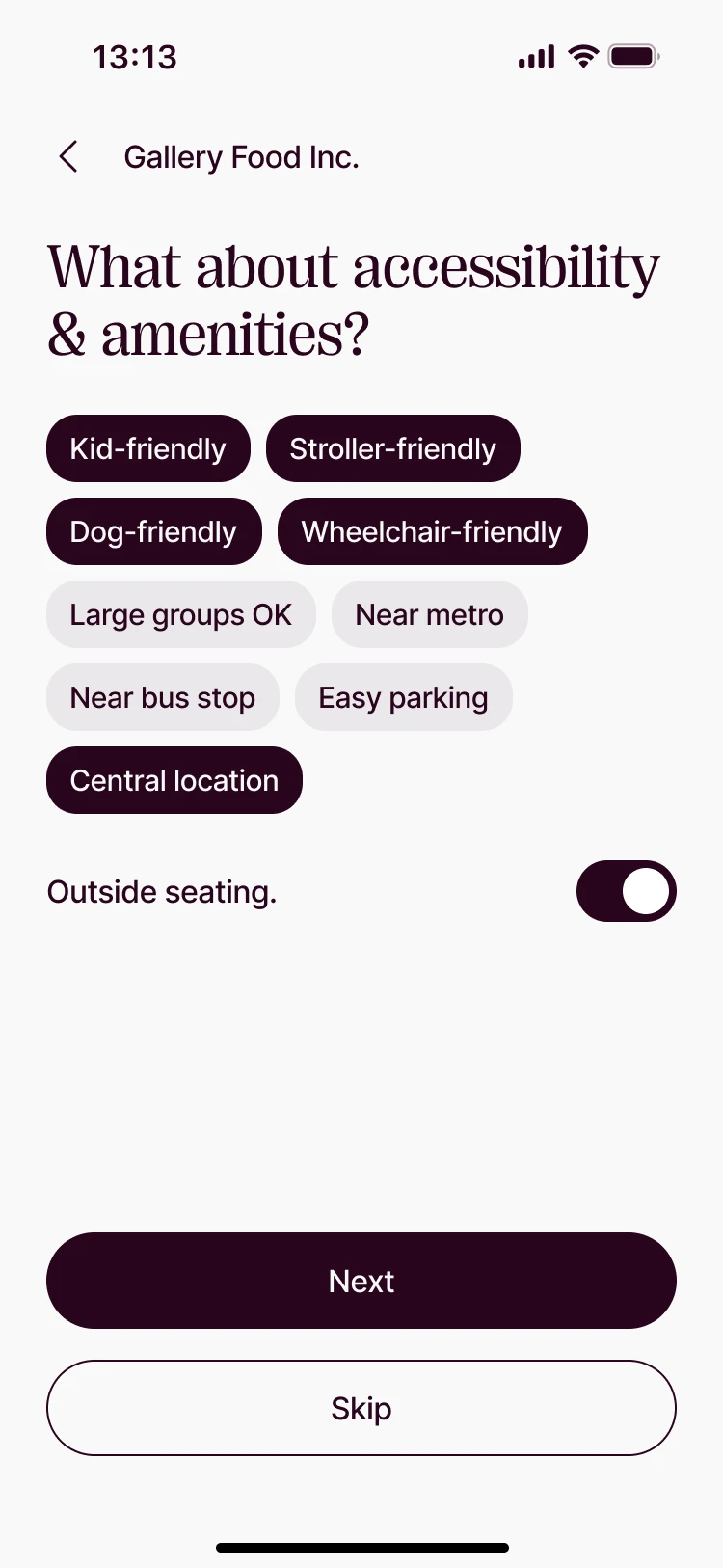 Accessibility & amenities
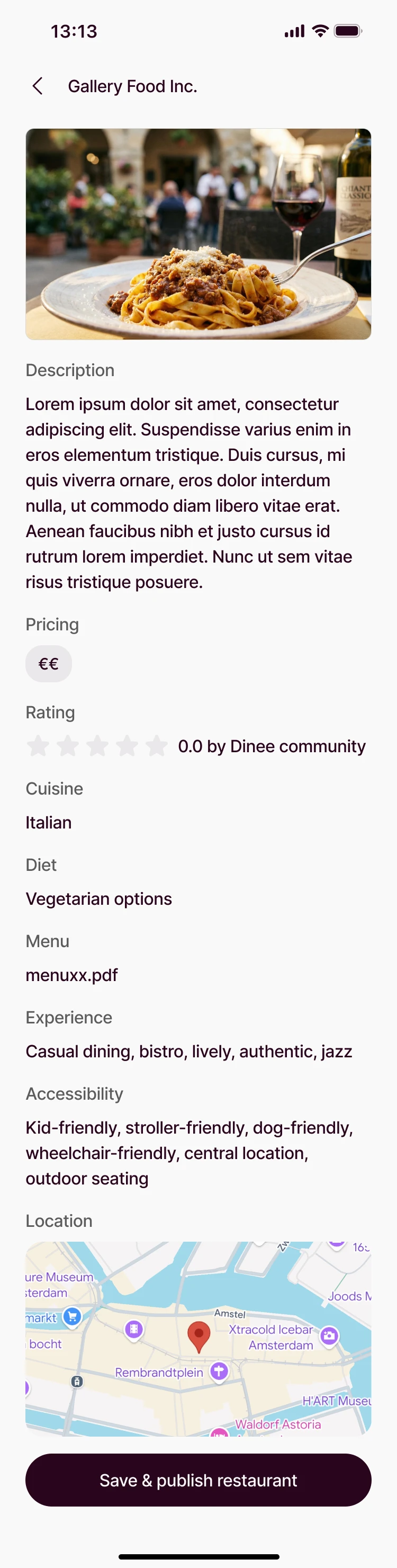 Almost there
- 01
Google first, manual always
Search pulls name, address and photos from Google; manual entry is always one tap away.
- 02
No dead ends
Doesn’t match, not found or already on Dinee — every case has a next step.
- 03
One question per screen
Owners build their listing step by step, with progress they can see.
Outcome
WhatI learned
- 01
Strengthen before you add
Joining mid-project, the fastest way forward was fixing the kit first — the new flows were built on it, not around it.
- 02
Design the unhappy paths
Not found, doesn’t match, already on Dinee: the edge cases took as long as the happy path, and mattered as much.
- 03
Social needs every role
A shared list looks different to its owner, a collaborator and an invited friend — each needed its own view.